
Free 360° Tiny Planet Tool
Turn Any 360° Photo Into a Tiny Planet
Drop a 360° panorama photo to create a tiny planet PNG, then export it as a 10-second rotating vertical MP4 for Reels and TikTok.
Upload your 360° photo
Your photo stays strictly in your browser and is never uploaded.
Example result
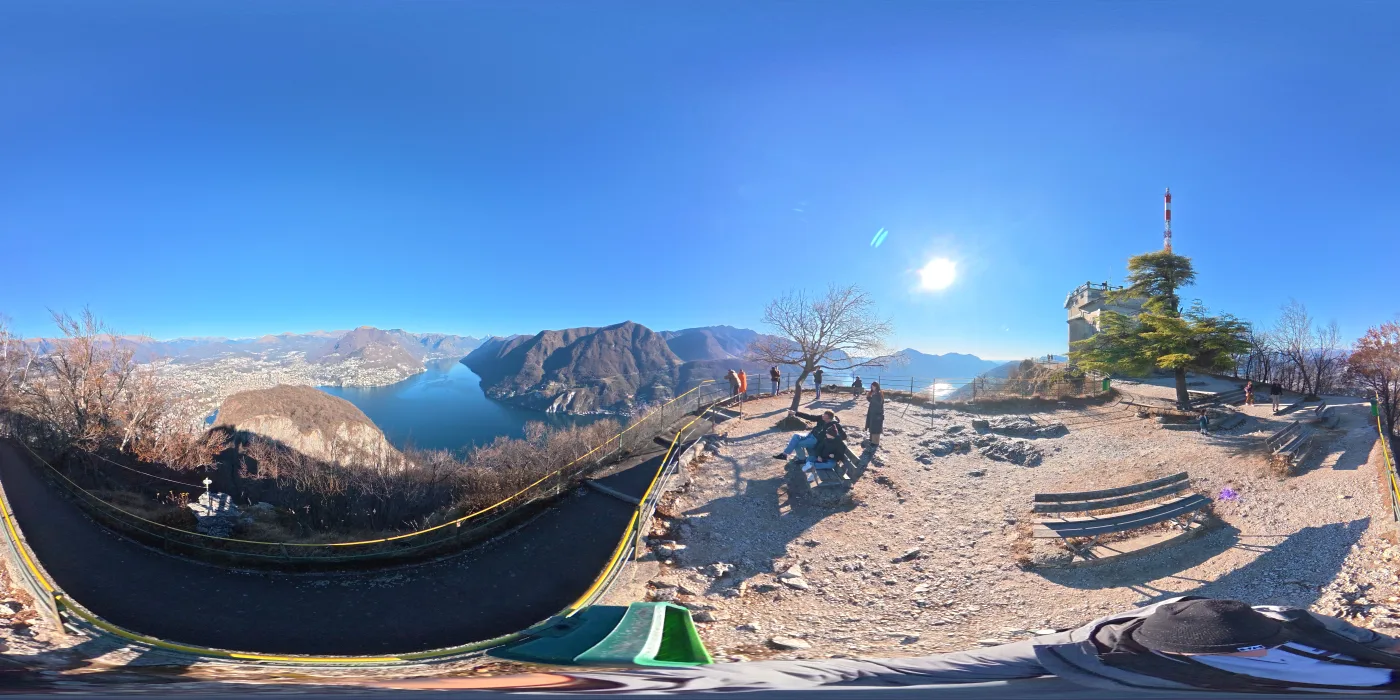
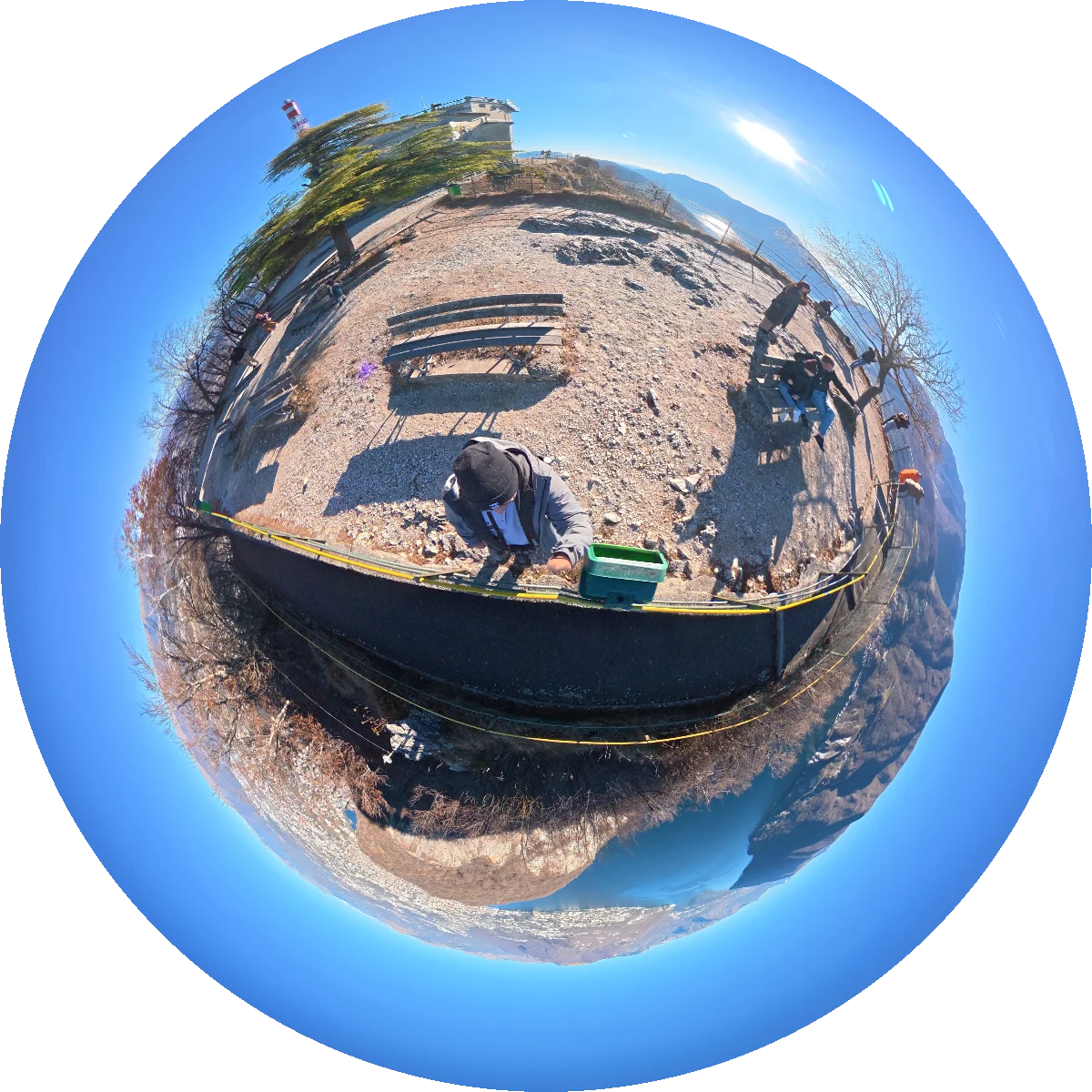
What does a Tiny Planet look like?
The same 360° panorama, wrapped into a little world.
Instant Result
Generated in seconds, right in your browser — no waiting for a server-side render.
High Resolution
Exports a 1600×1600 PNG and a 1080×1920 rotating MP4, both with a small mirame360.com badge.
Your Data Stays With You
Everything happens right in your browser. Your photo is never uploaded or stored on any server.
Tiny Planet FAQ
What is a tiny planet photo?
A tiny planet (or "little planet") image reprojects a 360° equirectangular photo so the whole scene curves around a single point, making it look like a tiny spherical world. It is a popular format for sharing 360° photos on Instagram and TikTok.
Does this tool upload my photo to a server?
No. All image pixel processing runs entirely inside your browser using WebAssembly and Web Workers. Your photo is never uploaded anywhere.
What image formats and aspect ratios are supported?
The generator accepts JPEG, PNG, and WebP panoramic photos. An equirectangular 2:1 aspect ratio photo yields the best results. Photos with other aspect ratios will be center-cropped to 2:1 automatically.
Can I make a rotating video? Can I upload a video?
You upload a panoramic photo, not a video. From that photo the tool can export a 10-second rotating MP4 (1080×1920, 24 fps, vertical) that spins the tiny planet. The MP4 is encoded in your browser with WebCodecs, so it needs a recent Chrome, Edge, or Safari; if your browser cannot encode it, you still get the PNG.
What does the exported PNG and MP4 look like?
The PNG is 1600×1600 and the MP4 is 1080×1920 at 24 fps for 10 seconds. Both carry a small "mirame360.com" badge near the bottom edge, so keep that in mind if you plan to crop them.
Do I need a Mirame360 account?
No. Creating and downloading tiny planet images and videos is 100% free and does not require an account. You can create an account if you want to host and share interactive 360° photos on the web.