
consumer 360
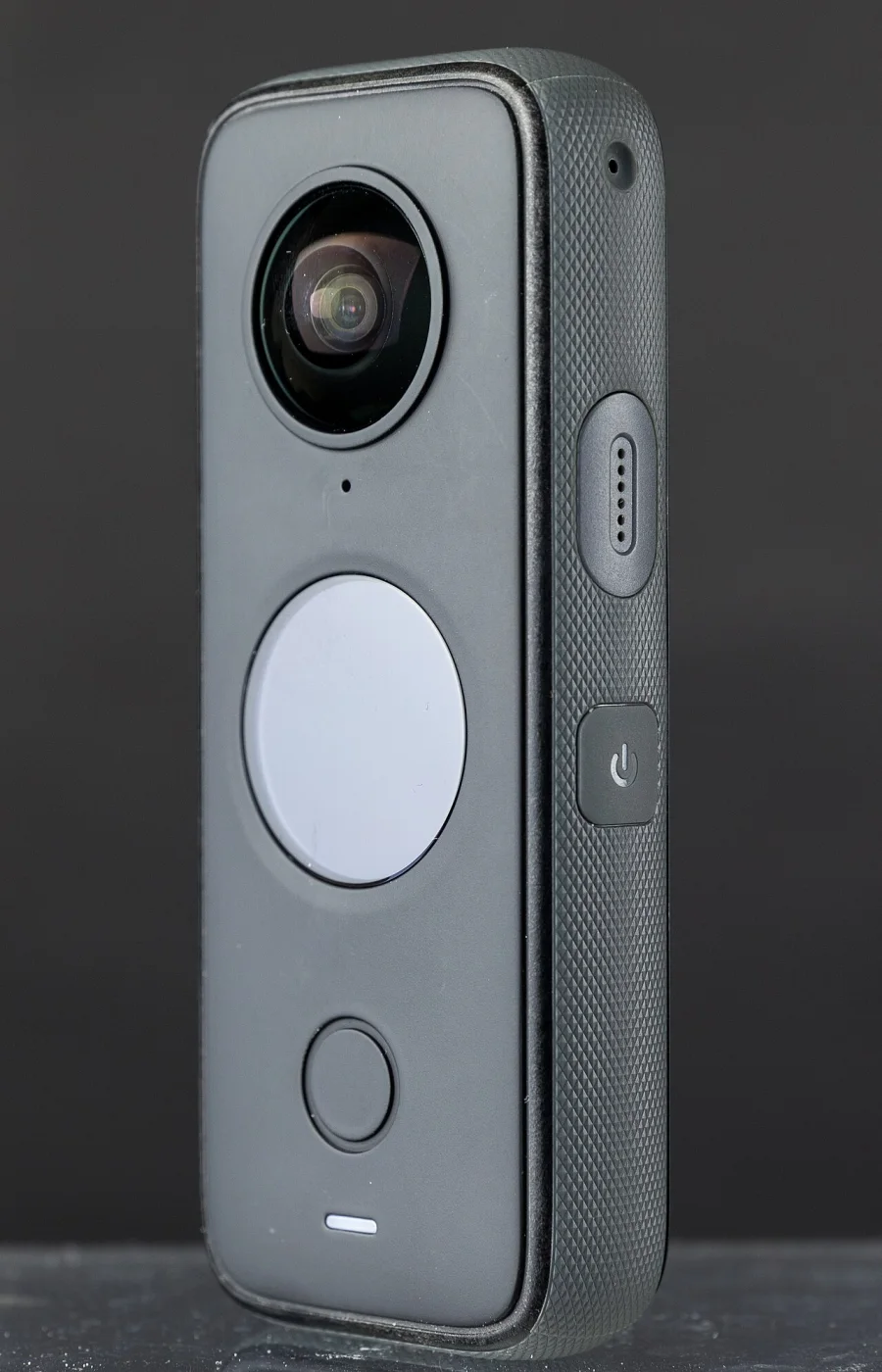
Insta360 ONE X2
ONE X2 records INSV, INSP, DNG, MP4 according to the linked manufacturer documentation. Its native files should be opened in Insta360 Studio, then stitched or exported to an equirectangular delivery file before upload.
Technical record
| Manufacturer | Insta360 |
|---|---|
| Product status | Discontinued |
| Release year | 2020 |
| Original formats | INSV, INSP, DNG, MP4 |
| Companion files | For 360 mode, creates two .insv files per recording (one for each lens) and an LRV proxy file. Keep them together for stitching. |
Manufacturer data
Technical specifications
- Max video resolution
- 5760x2880
- Top frame rate
- 100 fps
- Video container
- INSV (360), MP4 (Steady Cam)
- Video codec
- H.264, H.265
- Audio
- AAC
- Max photo
- 18 MP
- Photo formats
- INSP
- Sensor
- 1/2.3-inch · 2 sensors
- Display
- touchscreen (300 PPI)
- Microphones
- 4
- Spatial audio
- Yes
- Weight
- 149 g
- Battery
- 1630 mAh
Video modes
- 5760x2880 · 24, 25, 30 fps
- 3840x1920 · 30, 50 fps
- 3008x1504 · 100 fps
- 2560x1440 · 30, 50 fps
- 1920x1080 · 30, 50 fps
Photo modes
- 6080x3040 · 18 MP · INSP
- 4320x1440 · JPEG (InstaPano)
Native formats
INSV, INSP, DNG, MP4
Workflow
FlowState Stabilization; 360 Horizon Lock · In-camera stitching: no
Evidence and sources
Native formats
Records 360 video in .insv format and single-lens (Steady Cam) in .mp4 format. Photos support .insp and .dng.
manufacturer-declared · verified 2026-08-22 · Source
Documented workflow
Transfer .insv originals to your computer or mobile device. Use Insta360 App or Insta360 Studio to reframe or stitch and export the 360 capture into an equirectangular MP4 file before upload. Steady Cam mode records flat MP4.
Official resources
Community and discussion
- Insta360 subreddit (community lead, not definitive evidence)
Independent video reviews
- Insta360 ONE X2 Review: The Best Pocket 360 Cam? — AuthenTech - Ben Schmanke, 2020-10-28. A launch-era review focused on the ONE X2 as a compact 360 camera, including practical shooting and reframing considerations.