Hosting a 360° video online can cost $0, $12–$75 per month on a mainstream paid platform, or as little as $0.015 per stored GB per month if you build around raw cloud storage. Those numbers are not interchangeable. A free social platform, a managed 360° player, and an object-storage bucket solve three different problems.
360° video hosting means storing an equirectangular video, preparing it for online delivery, and presenting it in a player that lets the viewer look around. Some services handle that entire chain. Others hand you a file URL and leave the player, encoding, privacy, and support to you.
The prices below were checked on July 23, 2026, in US dollars. Taxes, regional pricing, and future plan changes can alter the bill.
360° video hosting cost: the quick breakdown
| Option | Published cash cost | Useful published limit | What you actually get |
|---|---|---|---|
| Mirame360 | $0 while the service remains free | Up to roughly 10 GB per upload; the current guide asks for videos under 30 minutes | 360° processing, adaptive playback, sharing, and iframe embeds |
| YouTube | $0 to upload and host | Verified accounts: 256 GB or 12 hours per video, whichever is less | Native 360° playback and a huge discovery platform |
| Vimeo Free | $0 | 1 GB total video storage; 2 TB monthly bandwidth | Ad-free hosting, embedding, and native 360° playback up to 4K |
| Vimeo Starter | $12/month | 2 TB total storage; 2 TB monthly bandwidth | More privacy and player controls than Free |
| Vimeo Standard | $25/month | 4 TB total storage; 2 TB monthly bandwidth | Player branding, calls to action, and lead tools |
| Vimeo Advanced | $75/month | 7 TB total storage; 2 TB monthly bandwidth | Adds webinars and event features |
| Cloudflare R2 self-hosting | First 10 GB-month free, then $0.015/GB-month for Standard storage | Free internet egress; request charges apply beyond the monthly free allowances | File storage and delivery, but no native 360° viewer or automatic video workflow |

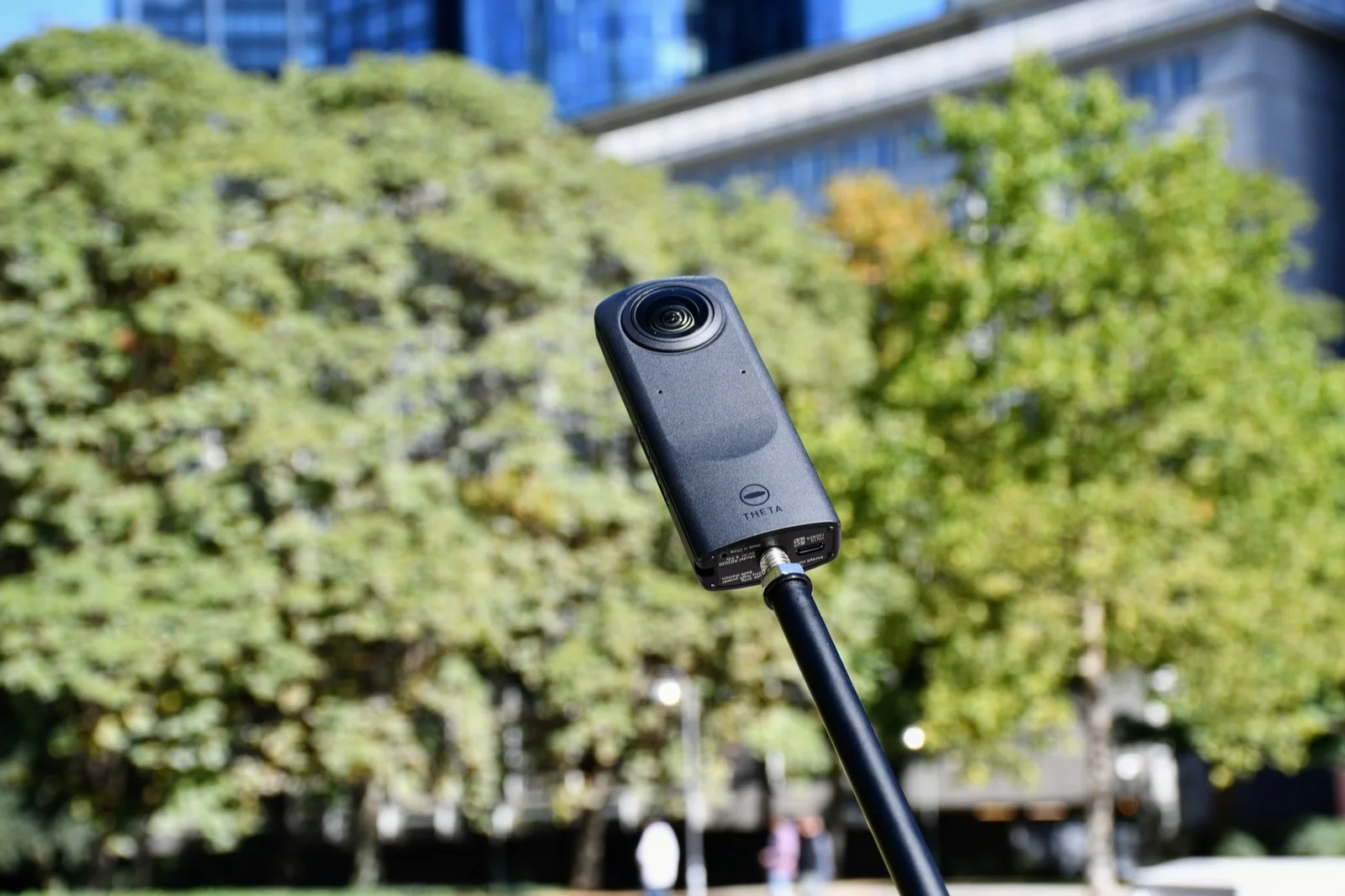
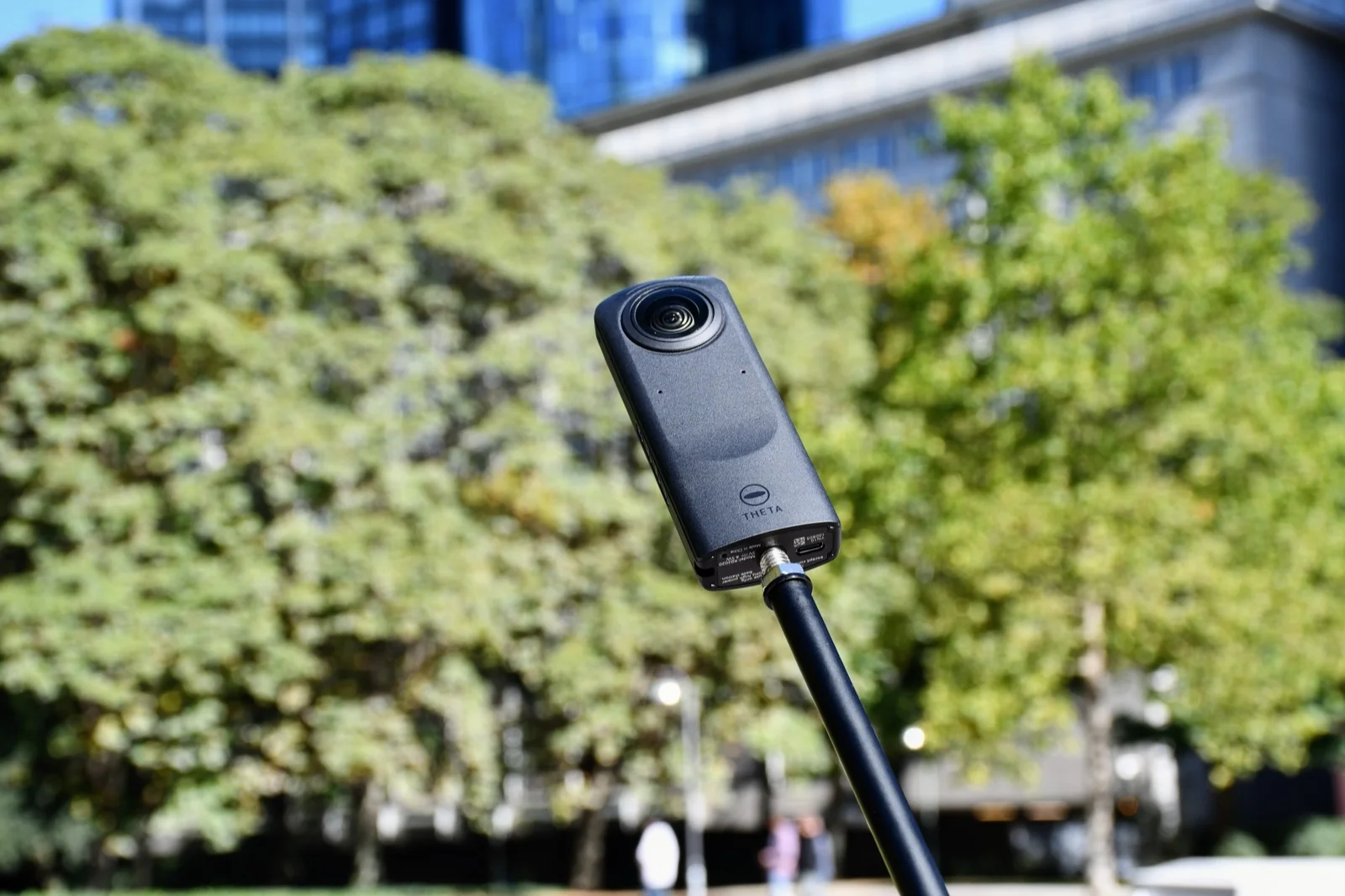
Photo: Kristian Stöckel, CC BY-SA 4.0, via Wikimedia Commons.
The genuinely free options
Mirame360: $0 for an embed-focused 360 workflow
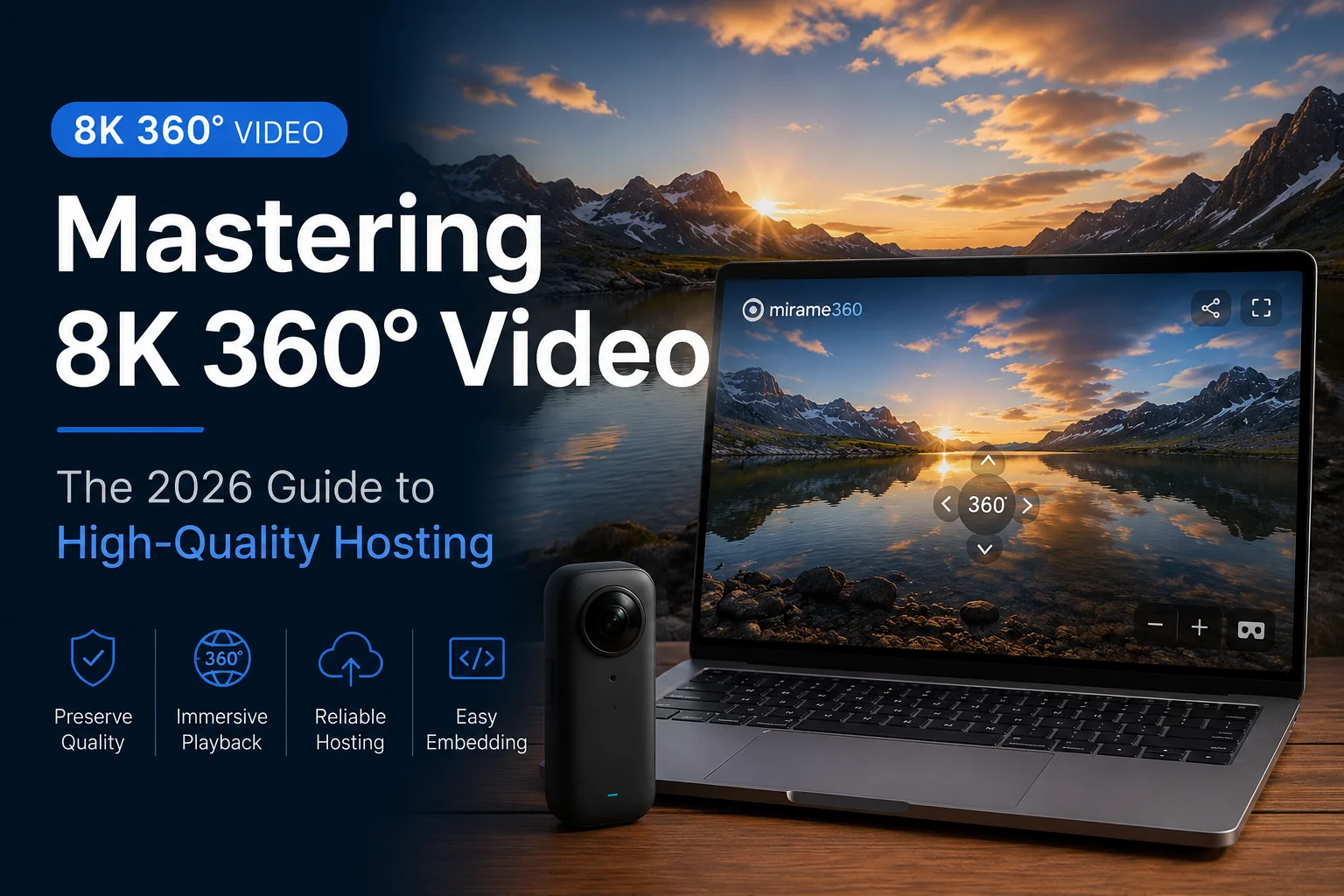
Mirame360 is currently offered free of charge. It accepts 360° video, processes multiple renditions, provides a browser player, and produces iframe embeds for an owned website. The current upload guide sets a practical ceiling of 10 GB and 30 minutes per video. New media is private by default, with public embed visibility controlled by the owner.
That makes the cash calculation easy: one accepted upload costs $0, and so does the next one under the current service model. There is no published storage allocation that would support an honest cost-per-terabyte calculation, however. Mirame360's policy also says uploaded data has no guaranteed lifetime and may be removed or archived for operational, legal, or safety reasons. For a portfolio, a pilot project, or a client proof, free managed encoding is unusually good value. For irreplaceable masters, keep your own archive.
The best part is not the zero on the invoice; it is skipping the custom player and encoding work. The Mirame360 FAQ confirms MP4, MOV, and WEBM input for equirectangular video and iframe delivery after processing.
YouTube: $0, with a YouTube-shaped presentation
YouTube also charges no hosting subscription. Its 360° upload documentation confirms spherical playback in major desktop browsers, mobile apps, and YouTube VR. A separate upload-limit page says verified accounts can upload files as large as 256 GB or 12 hours, whichever comes first.
For public travel films, concerts, journalism, and anything that benefits from search and recommendations, YouTube is the obvious first choice. The trade is control. The page, player, recommendations, and branding belong to YouTube, and a private client presentation can feel like public social video even when the link is unlisted. Cash cost: $0. Presentation cost: real, if the video is meant to sit inside a premium property or training portal.
What a paid Vimeo plan buys
Vimeo supports monoscopic and stereoscopic equirectangular 360° uploads and playback up to 4K, according to its 360° upload guide. Its current US pricing data lists Starter at $12 per month, Standard at $25, and Advanced at $75. The plan comparison gives total storage of 2 TB, 4 TB, and 7 TB respectively, with 2 TB of bandwidth per month on each plan. Vimeo Free gets 1 GB of total storage.
The $12 Starter plan is the relevant paid baseline for most 360° creators. Standard and Advanced do not improve the maximum 360° playback resolution beyond the documented 4K ceiling; their extra money goes toward branding, marketing, collaboration, and events. Paying $75 solely to host a few panoramic clips would be hard to justify. Paying $25 because the custom player and lead forms are part of a sales campaign is a different calculation. Check Vimeo's live pricing page before buying because region and billing choices can change the displayed total.
Vimeo Free deserves a mention but not much enthusiasm for this particular format. One gigabyte of total storage is a cramped allowance for high-resolution spherical video. It is enough to test the workflow, not a serious library.
Self-hosting: cheap storage, unfinished product

Photo: Helpameout, CC BY-SA 3.0, via Wikimedia Commons.
Cloudflare R2 shows why raw storage can look almost absurdly cheap. Its current Standard pricing includes 10 GB-month of storage, one million Class A operations, and 10 million Class B operations each month at no charge. Beyond that, storage is $0.015 per GB-month, Class A operations are $4.50 per million, Class B operations are $0.36 per million, and direct internet egress is free.
Apply the 10 GB free allowance and the storage-only arithmetic looks like this: a 100 GB library costs about $1.35 per month, while a 1,000 GB library costs about $14.85 per month. At modest traffic, the included request counts may cover the reads too.
But an R2 bucket does not recognize an equirectangular projection, build adaptive renditions, inject spherical metadata, generate thumbnails, or give you a headset-aware player. A single large MP4 can be delivered as a file, but reliable streaming across phones, laptops, and slow connections usually means encoding several qualities and integrating a WebGL-capable 360° viewer. Every rendition also consumes storage.
This is why self-hosting one occasional video to save $10 is usually a false economy. It becomes attractive when a developer already owns the playback stack, needs infrastructure control, or has enough media that a managed plan's quotas are the real constraint.
The costs that price cards leave out

Photo: PB, CC BY-SA 4.0, via Wikimedia Commons.
Storage is only one line of a 360° hosting budget. Source preservation matters because hosted copies may be transcoded or removed. Encoding takes time and compute. Viewer testing takes longer than it does for ordinary flat video because mouse drag, touch, gyroscope, fullscreen, and headset behavior can fail independently. Privacy can also be expensive: the free plan that works for a public tourism clip may be wrong for construction documentation or internal training.
There is also an opportunity cost in branding. YouTube's audience is valuable when discovery is the goal and distracting when the viewer should stay on your site. Vimeo charges for finer player and marketing controls. Mirame360 supplies an embed-first 360° workflow without a subscription today, but its free status is not the same as a contractual archive guarantee. R2 gives infrastructure control and little else.
Cover photo: Helpameout, CC BY-SA 3.0, via Wikimedia Commons. Resized and re-encoded; no other changes.
Which option is cheapest for your 360° video?
Use the job, not the storage number, to choose:
- Pick YouTube for free public distribution and built-in discovery.
- Pick Mirame360 when you want a free, focused 360° upload-and-embed workflow on an owned page.
- Pick Vimeo Starter when $12 per month is worth paying for stronger privacy, presentation, and account controls. Move to Standard only when its branding and marketing features earn their keep.
- Pick self-hosted object storage when you already have technical ownership of encoding and playback. Do not price developer time at zero.
For most people with one or two videos, the honest answer is still $0. The harder question is whether the free player looks right where the work will be seen. If an owned-site embed is the priority, create a free Mirame360 account, upload a short representative export first, and test it on a phone and desktop before moving the rest of the library.