The best place to upload a 360 video in 2026 depends on where people will watch it. YouTube is the strongest choice for public reach and headset playback; Vimeo works for polished desktop presentation but requires its app for 360 playback on mobile; Mirame360 is the practical choice for an interactive player embedded on your own website.
A platform has real 360 video support only when it turns an equirectangular file into a player viewers can pan, drag, swipe, or explore in a headset. Storing an MP4, showing a flat panorama, or placing a conventional video inside a virtual-tour hotspot is not the same thing.
This comparison was checked on August 1, 2026 against current platform documentation. Where a service no longer publishes a clear specification, the table says so rather than guessing.
Where to upload 360 videos in 2026: quick comparison
| Platform | Native interactive 360 video | Website embed | Mobile 360 playback | Headset path | Best use |
|---|---|---|---|---|---|
| YouTube | Yes; 8K is documented in YouTube's general upload guidance | Yes | YouTube app | YouTube VR on supported headsets | Public distribution and discovery |
| Vimeo | Yes, up to 4K | Yes | Official Vimeo app only | Limited; not a universal VR host | Branded desktop presentation |
| Mirame360 | Yes | Yes, iframe | Browser-based | Web player rather than a dedicated headset app | Owned websites, portfolios, and direct sharing |
| Meta still recognizes 360 video, but current technical guidance is sparse | Not reliable enough to make it the canonical embed | Meta app/feed | No clearly documented current workflow | In-feed social reach | |
| 360Cities | Yes | Platform and licensing workflows; panorama embeds are documented | Site/mobile VR viewing | VR viewing documented | Publication, discovery, and stock licensing |
| Kuula | No hosted spherical video; 360 photos and tours | Yes for photo tours | Browser | Photo-tour VR | Interactive photo tours |
| Momento360 | No documented spherical-video upload; JPG/PNG upload only | Yes for images/tours | Browser | Photo-focused | Annotated 360 images |
| TikTok / Instagram | No documented interactive spherical playback | No | Flat video only | No | Reframed vertical clips |
This is a feature comparison, not a price table. If storage allowances and subscription costs are the deciding factor, see the separate guide to 360 video hosting costs in 2026.
What “360 video support” actually means
Interactive spherical playback versus flat hosting
A stitched monoscopic 360 video is commonly exported as a 2:1 equirectangular rectangle. The player maps that rectangle onto the inside of a virtual sphere and places the viewer at its center. Correct spatial metadata tells the platform that this is spherical media rather than an unusually wide flat video.

A real equirectangular panorama before spherical display. Photo: Tim Rademacher, CC BY-SA 4.0, via Wikimedia Commons.
Before choosing a host, run five simple tests:
- Can you drag the view on desktop and swipe it on a phone?
- Does the player work inside an iframe on a site you control?
- Does fullscreen retain interactive controls?
- Is there a credible route to the headsets your audience uses?
- Does a private or unlisted share behave the way the project requires?
A platform can pass one test and fail another. That is why a “supports 360” badge alone is not enough.
YouTube: the biggest 360 video platform
YouTube remains the easiest recommendation for a public travel film, event, documentary, or anything that benefits from search and recommendations. Its current help page confirms spherical 180° and 360° upload and playback in Chrome, Firefox, Edge, and Opera, plus the YouTube and YouTube VR apps. YouTube VR currently lists Meta Quest, PICO 4, and Apple Vision Pro among supported devices.
Upload requirements and metadata
Upload a stitched, high-resolution export with its VR sequence settings and spherical metadata intact. YouTube's own workflow says to prepare the file with compatible editing software or a metadata script, then verify the result on a computer before publishing. A successful upload shows pan controls and responds to mouse drag or WASD keys.
Do not panic if the first preview is flat. YouTube says 360 playback can take up to an hour to become available. Community discussions in r/Insta360 repeatedly describe two other pain points: uploads that stay flat because the export lost metadata, and footage that looks much softer online than the local master. Those reports are useful warnings, not technical specifications.
8K playback and re-encoding
YouTube's current general resolution guidance includes 7680 × 4320 (8K), and YouTube VR documents 8K playback on Meta Quest 3. It also publishes recommended 8K upload bitrates. That confirms a real high-resolution path, but it does not mean the uploaded master is served untouched. YouTube converts uploads into playback versions, and 360 footage is especially unforgiving because the available pixels are spread around the entire sphere.

Photo: 之乎, CC BY-SA 4.0, via Wikimedia Commons.
The verdict is straightforward: choose YouTube when audience reach and headset access matter more than controlling the page around the player.
Vimeo: active 360 support, with a mobile-web catch
Vimeo still supports 360 video. Its current upload documentation accepts monoscopic and stereoscopic equirectangular sources, Google Spatial Metadata V2 and Apple Projected Media Profile metadata, spatial audio, and upload/playback up to 4K. The 8K claim sometimes repeated in older comparison articles applies to Vimeo video generally, not to the current 360-specific limit.
Desktop playback works in current WebGL-enabled Chrome, Firefox, Edge, and Safari. The catch is important: Vimeo's system-requirements page says 360 playback on mobile devices is possible only in the official Android or iOS app. A normal Vimeo embed may be elegant on a laptop yet fail the key interaction test for someone opening your page in a mobile browser.
Vimeo also disables in-video notes on review pages for 360 videos. Use it when desktop presentation, account controls, and a familiar ad-free player matter. Do not choose it without testing the exact mobile journey you plan to send to clients.

Photo: PB, CC BY-SA 4.0, via Wikimedia Commons.
Mirame360: built around browser playback and embedding
Mirame360 is the focused option in this list. The current Mirame360 upload guide accepts MP4, MOV, MKV, GoPro .360, and DJI .osv video, starts an encoding job after upload, and provides ready-made iframe snippets after processing. The documented workflow also includes public or unlisted sharing, embed controls, aliases, and playback analytics.
That makes it a better fit than a social feed when the 360 player itself belongs inside a destination page: a hotel site, real-estate listing, museum story, project portfolio, or training portal. It is browser-oriented on desktop and mobile, so viewers do not have to install a social-video app merely to look around.
Mirame360's published operational limits are videos under 10 GB and 30 minutes. Its guide lists 4K, 2K, and 1080p embed options. Those are the documented facts; there is no need to claim that every source is preserved bit-for-bit. Like any streaming service, the point is to prepare browser-friendly output.
Facebook and the social-video platforms
Meta's current terms still mention 360 video as a way people create and share content on Meta products, so it would be wrong to say Facebook has erased the format. What is missing in 2026 is a clear, current, public technical workflow comparable to YouTube's or Vimeo's 360 documentation.
Treat Facebook as an in-feed distribution endpoint, not the only home of a 360 master or the foundation of an external embed strategy. Upload a representative test, confirm that interaction survives on the current app, and keep a separate canonical host.
TikTok and Instagram are simpler: their current creator workflows describe conventional vertical or horizontal video, not an interactive spherical player. Reframe the strongest viewpoints into 9:16 clips before posting. Uploading the full equirectangular rectangle will not give viewers a swipe-to-look-around experience.
Kuula, Momento360, 360Cities, and veerXR
These names appear together in search results, but they do different jobs.
Kuula documents uploads for 360 and regular images. Its hotspots can open cards containing video, and its tours can embed media, but that is not the same as uploading a timed spherical video with a moving 360 viewpoint. Kuula is a strong photo-tour tool, not a substitute for YouTube or a dedicated 360 video host.
Momento360 is also image-first. Its upload troubleshooting page lists JPG and PNG as supported formats and was last updated on December 13, 2022. Its annotation system can contain multimedia attachments, but the public documentation does not establish a native spherical-video upload workflow. Because the source page is old, verify directly with Momento360 before basing a new video project on it.
360Cities, contrary to a common shorthand, does accept and publish interactive 360 videos. Its current help guide says uploaded videos are made available for licensing and may earn royalties. That makes it interesting for videographers who want discovery and stock licensing, but less natural for a private client review or a neutral owned-site player.
The old VeeR VR name is another trap. The current veerXR site presents a business-focused virtual-experience builder whose listed scene uploads are equirectangular JPG or PNG; video is embedded as additional content. It is not a like-for-like continuation of the old consumer 360 video destination, so do not recommend it based on an outdated listicle.

Photo: Helpameout, CC BY-SA 3.0, via Wikimedia Commons.
How to choose in two minutes
Use YouTube for public discovery and the clearest mainstream headset route. Use Vimeo only when its desktop presentation and account features outweigh the app-only mobile 360 limitation. Use Mirame360 when an interactive browser embed on your own page is the product. Use 360Cities when licensing and marketplace visibility are part of the goal.
For an important launch, upload the same 30-second representative clip to the finalists. Check desktop drag, phone touch, fullscreen, initial quality, and embed behavior. This small test catches more problems than a feature grid ever will.
FAQ
Does Vimeo still support 360 video in 2026?
Yes. Vimeo's current documentation supports equirectangular monoscopic and stereoscopic 360 uploads and playback up to 4K. Desktop browsers need WebGL and hardware acceleration; mobile 360 playback requires the official Vimeo app.
Can you upload interactive 360 video to TikTok or Instagram?
No current TikTok or Instagram publishing documentation describes an interactive spherical player. Reframe the footage into a normal vertical clip before upload.
Does Kuula host 360 video?
Kuula hosts 360 images and photo-based virtual tours. It can show conventional video inside a hotspot or card, but its documented upload workflow is not a native spherical-video host.
What metadata does YouTube need for a 360 video?
YouTube needs spatial metadata that identifies the file as spherical media. Export with VR settings enabled in compatible software or inject the metadata before upload, then verify that pan controls appear before publishing.
Which platform preserves the best 360 video quality?
No honest universal winner can be named from published specifications alone. YouTube and Vimeo create playback versions; Mirame360 encodes browser-ready renditions. Test the same short source on the devices that matter and keep the original master in your own archive.
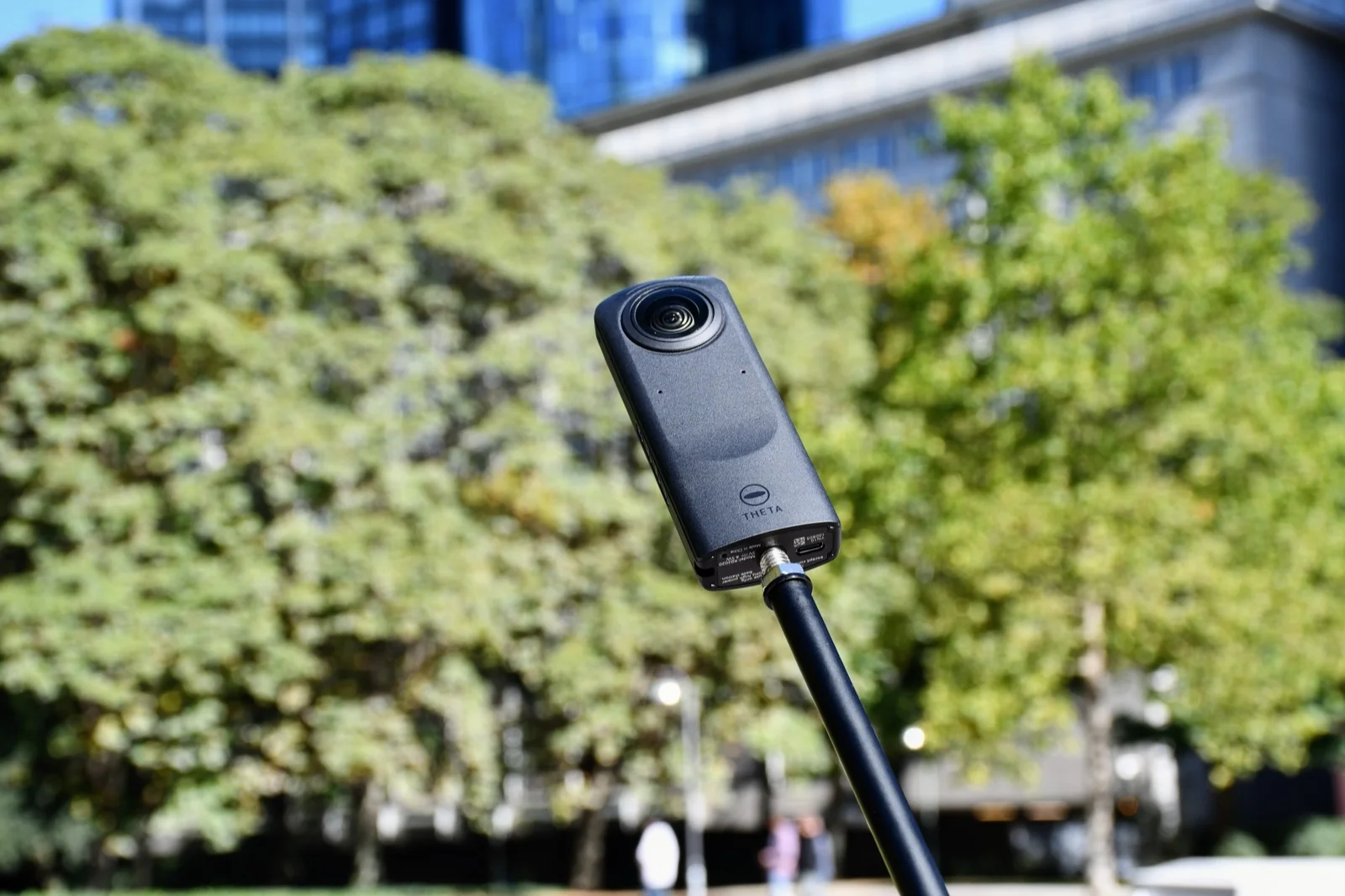
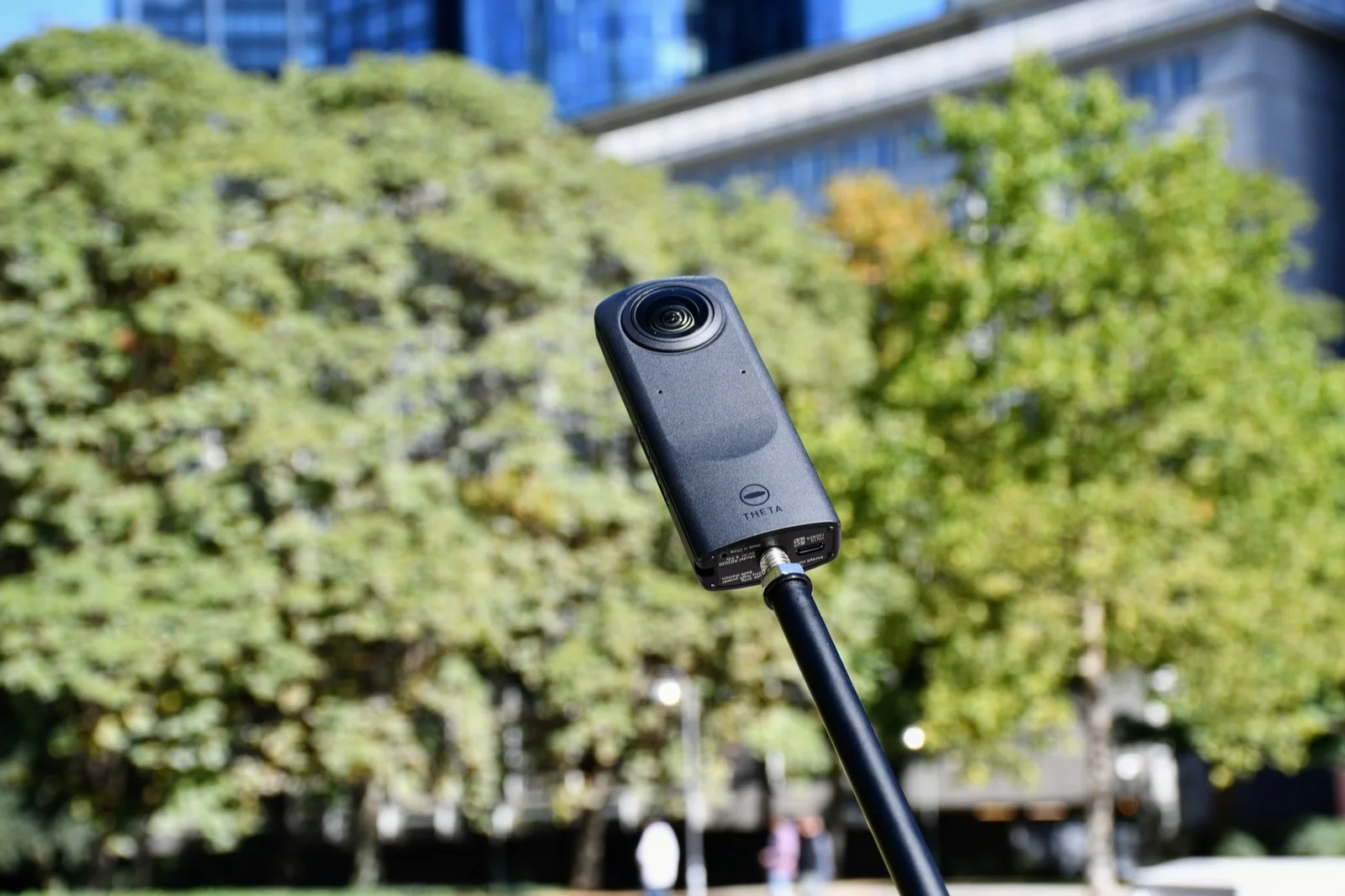
Cover photo: Kristian Stöckel, CC BY-SA 4.0, via Wikimedia Commons. Resized and re-encoded; no other changes.
If your priority is a clean interactive player on an owned page, upload a short test to Mirame360. Check it on a phone and a desktop, then decide where the rest of the library belongs.