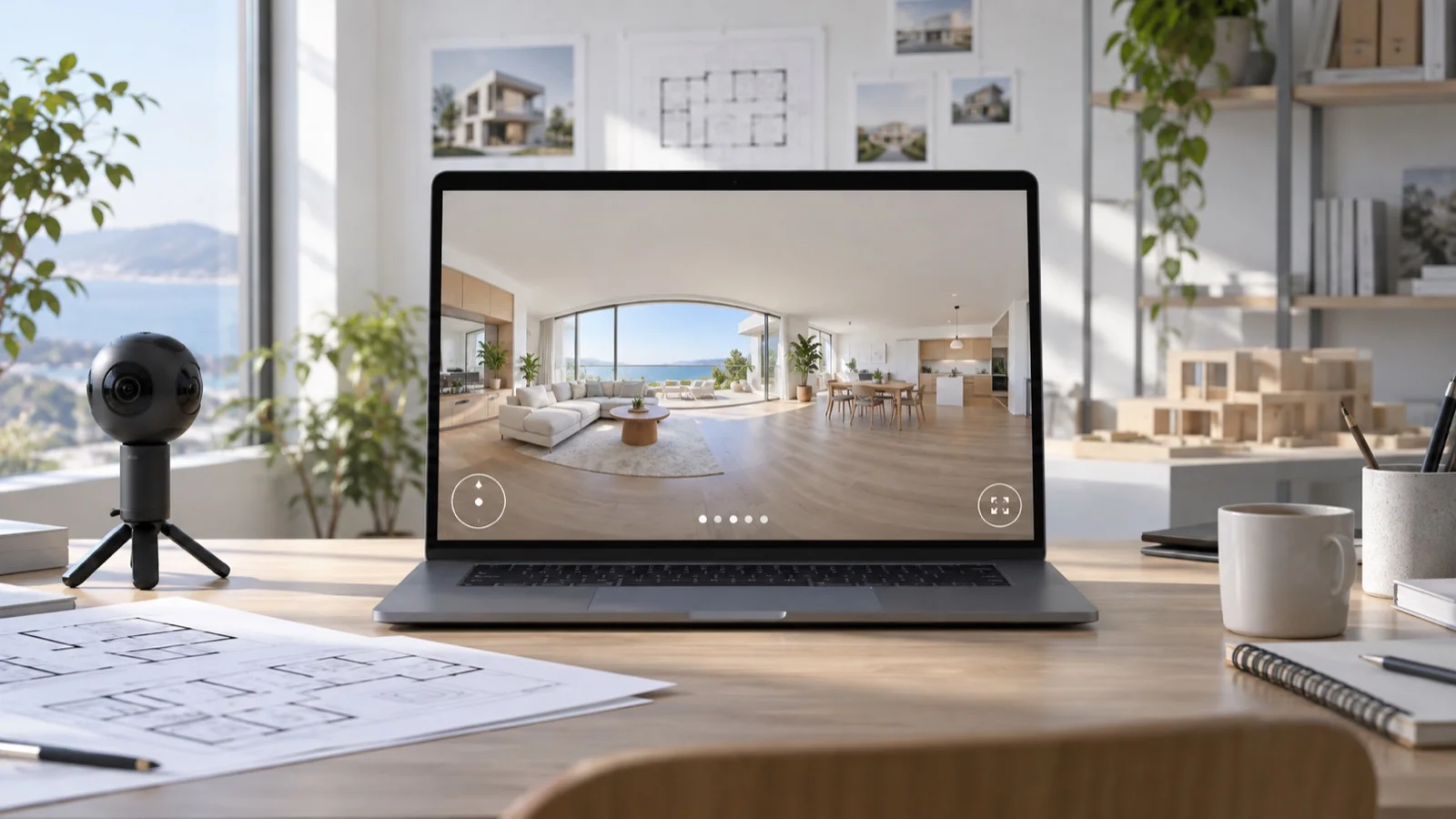
If Matterport's pricing doesn't make sense for a small project, Mirame360 is the best free alternative for publishing straightforward 360° photo and video tours. It gives you the part many lean teams actually need: browser-based immersive viewing, scene-to-scene navigation, sharing, and embeds, without forcing a small property, gallery, workshop, or travel project into a full digital-twin subscription.
There is an important boundary. Mirame360 is a 360° media hosting and tour platform, not a clone of Matterport's spatial reconstruction system. If you need measured models, schematic floor plans, CAD, BIM, E57 files, or the familiar 3D dollhouse, Matterport is still the right category of tool. If visitors mainly need to look around a real place online, paying for all of that can be overkill.
Why Matterport's pricing pinches on a small budget
Matterport itself offers a free plan, so the problem isn't that you can't try it. The problem is how quickly a real workload outgrows the trial-sized allowance. Matterport's current plan comparison gives the Free tier one active space and two users. Starter covers 5–20 active spaces and Professional 20–150. At the time of this check in July 2026, the page displayed promotional starting prices of $12 per month for Starter and $58 per month for Professional when billed annually, against regular figures of $14 and $69. Prices and promotions can change, but the active-space model is the bigger issue.
The active-space ceiling matters more than the sticker price
One café, holiday rental, community venue, or renovation record can fit inside one active space. A photographer with several live clients can't. Technical deliverables also sit higher in the product stack: Matterport lists pro-camera compatibility, automatic face blurring, multiple Views, and the ability to purchase CAD, BIM, E57, Sketch, and TruePlan files under Professional. Schematic floor plans and MatterPak files are paid add-ons on eligible plans.
That bundle is valuable when the job calls for it. It is hard to justify when the brief is simply, “Let people explore these rooms on our website.”

An equirectangular panorama is the practical input for a lightweight web tour. Image: ESO/M. Zamani, CC BY 4.0, via Wikimedia Commons.
What the best free Matterport alternative should replace
A useful alternative should replace the outcome, not every line on Matterport's feature sheet. For a small business, that outcome is usually a link or embedded viewer in which a customer can turn around, inspect the room, and move to the next scene.
Mirame360 is built around that narrower job. It accepts equirectangular 360° photos and videos, prepares them for browser playback, and provides iframe embeds. Its upload and tour guide documents JPEG, PNG, WebP, and TIFF panorama inputs, as well as common video formats and raw GoPro .360 or DJI .osv sources. You can add panoramas as scenes, reorder them, choose the opening view, then connect rooms with clickable points. A scene list can provide navigation when you don't want to place connectors.
That last detail matters. A folder full of panoramas isn't a tour. The connective layer is what lets a visitor walk from the entrance to the dining room without guessing which thumbnail comes next. Mirame360 also keeps new media private by default and requires you to enable public embed visibility deliberately. For a client review, that is a saner default than publishing first and cleaning up later.
The platform also handles 360° video, which photo-first Matterport substitutes often treat as a side issue. Mirame360's FAQ specifies 2:1 equirectangular media, multi-bitrate encoding for video, iframe delivery, and support for JPEG, PNG, or WebP panoramas alongside video. If your tour includes a narrated walkthrough, a moving production line, a performance, or a short VR clip, that mixed-media workflow is genuinely useful.
Matterport, Mirame360, Kuula, and CloudPano compared
“Free” means something different on each platform. These are the limits that affect a small public-facing project most:
| Platform | What the free option is good at | The catch |
|---|---|---|
| Matterport | One full digital-twin project with measurements and Matterport's editing tools | One active space and limited camera support; larger live portfolios need a paid tier |
| Mirame360 | Hosting 360° photos and video, building linked scenes, sharing, and iframe embedding | It does not generate a measured dollhouse, floor plan, CAD, BIM, or E57 deliverable |
| Kuula Basic | Photo-first publishing, embeds, VR viewing, and up to 300 hosted posts | Kuula's free-account guide says visitors cannot use hotspots unless logged into the creator's account; public tours rely on the thumbnail bar, carry Kuula branding, and allow 100 uploads per month |
| CloudPano Free | Hotspot-driven tours with unlimited photos inside each tour | CloudPano's pricing page lists a three-tour limit and 120-day expiry; its paid plans are listed at $27 per month for Pro and $33 per month billed annually for Pro Plus |
Kuula is polished, and its free tier is generous for a public panorama portfolio. I wouldn't choose it for a free client walkthrough if room-to-room hotspots are central; hiding those controls from ordinary visitors changes the experience. CloudPano keeps hotspots in its free offer, but a 120-day expiry is awkward for an evergreen business listing. Matterport Free remains the obvious choice when you truly need one measured digital twin.
Mirame360 wins this particular brief because it stays focused on hosted immersive media and connected tours. No pretend laser scanning. No claim that a panorama viewer is an as-built model. Just the useful web experience, including video.

A dedicated 360 camera is convenient, but the hosting decision needn't lock you to a proprietary capture system. Photo: ubahnverleih, CC0 1.0, via Wikimedia Commons.
A no-subscription workflow that is actually usable
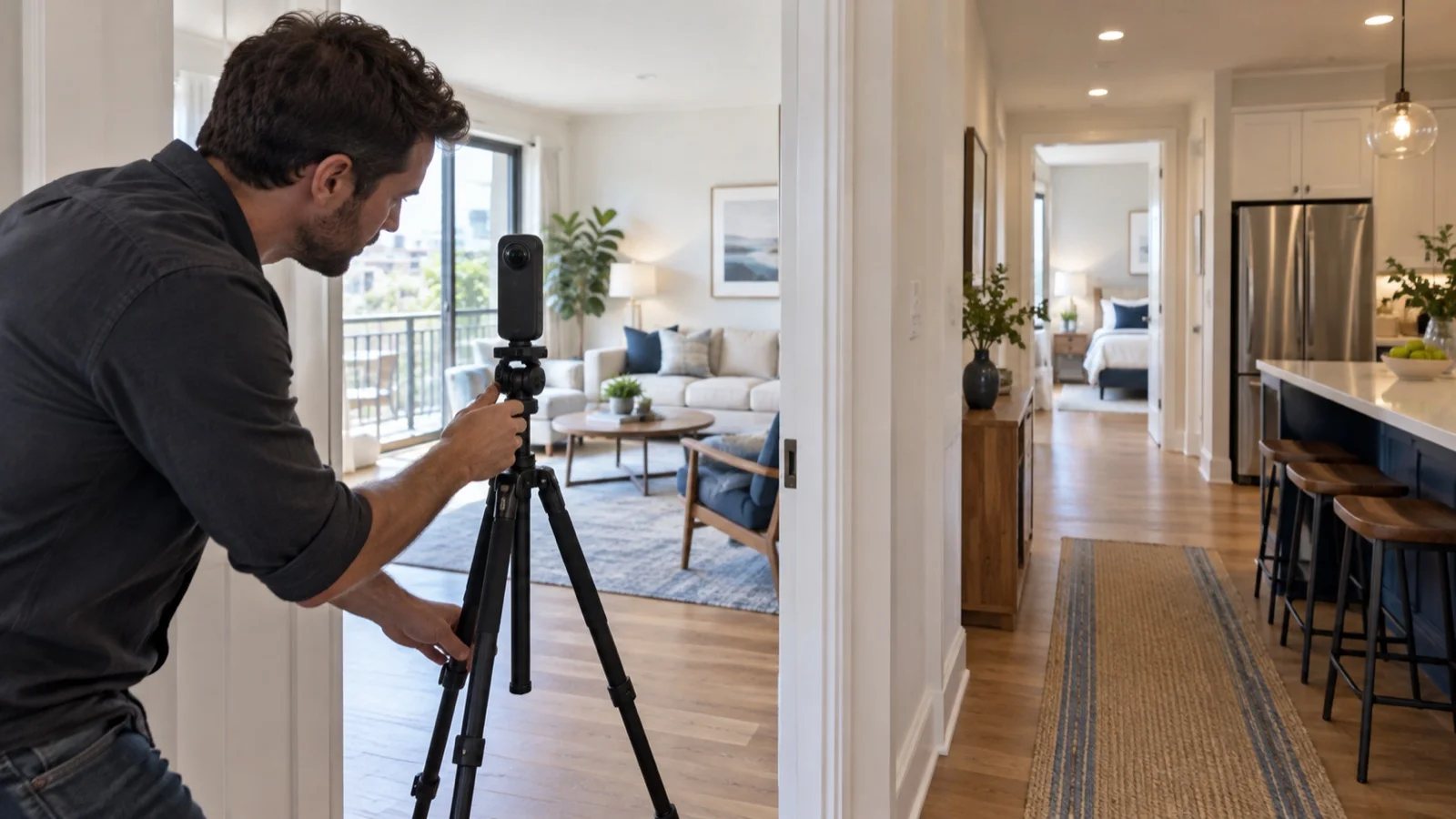
You don't need to buy a Matterport Pro camera to test whether a 360 tour helps your audience. Use a 360 camera you already own or can borrow, keep the capture simple, and spend the saved budget on lighting and careful scene placement. Badly placed panoramas remain badly placed panoramas on expensive software.
Six steps from capture to embed
- Plan the route before shooting. Put capture points where a person would naturally pause: entrance, room center, doorway, and any feature worth inspecting.
- Keep the camera level and still. A compact tripod or monopod reduces stitching problems. Step out of sight or use a short timer.
- Export a 2:1 equirectangular image. A full panorama might be 6000×3000 or 8000×4000 pixels. The exact resolution can vary, but the 2:1 shape tells the viewer how to wrap it around a sphere.
- Upload and order the scenes. Mirame360 can also stitch 3–10 overlapping source photos, though a camera-generated equirectangular file is the quicker route.
- Add connectors, then test as a stranger. Check every arrow on a phone as well as a laptop. If you skip connectors, enable the scene list so viewers never get trapped.
- Publish only when the route works. Enable the public page or embed, copy the iframe, and place it on your own site. The public Mirame360 Explore gallery is useful for checking how panoramas behave in a normal browser before you build yours.
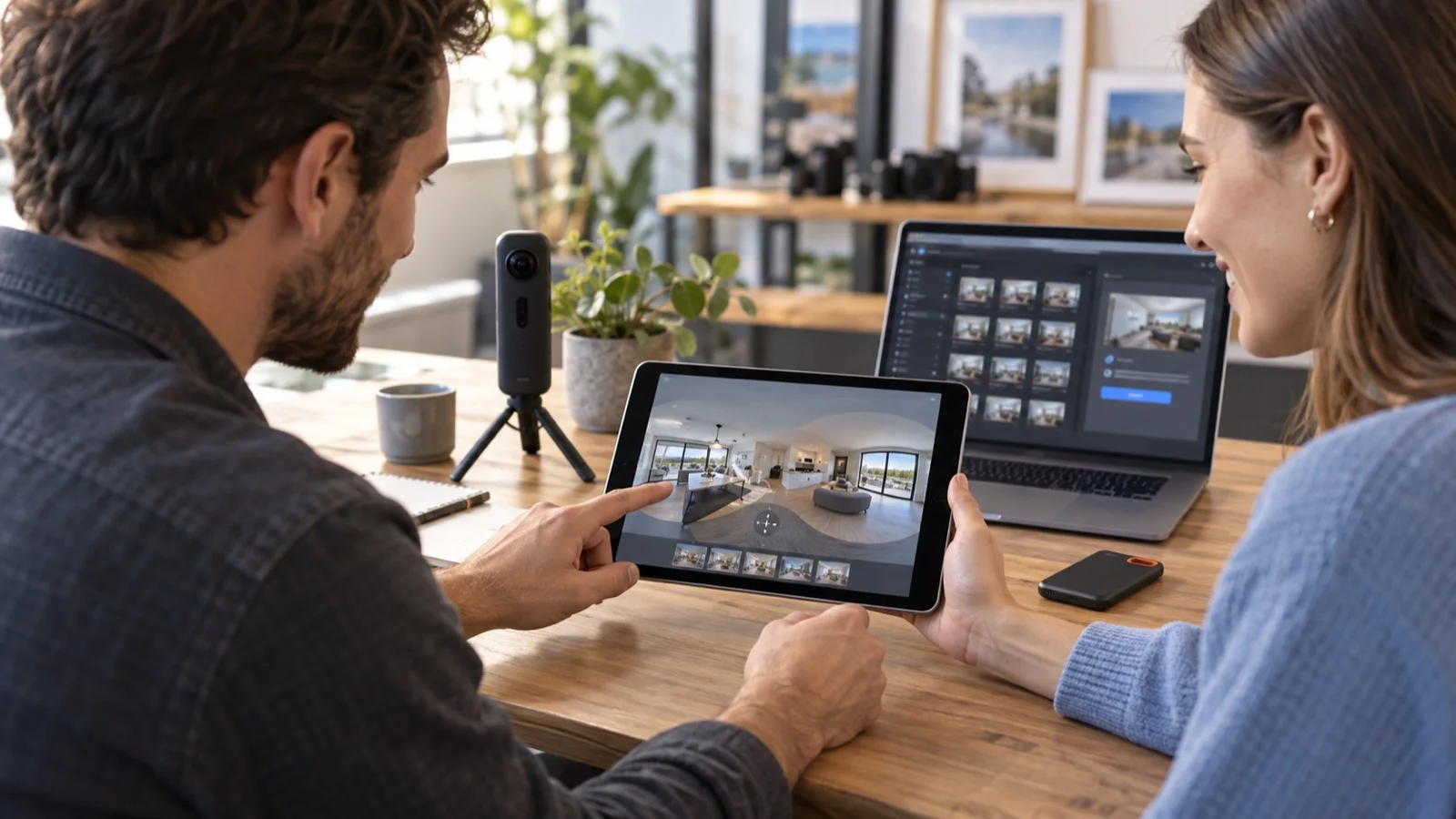
The test on a phone is non-negotiable. Most customers will not arrive with a headset, and a tour that feels smooth with a mouse can feel fussy under a thumb. Keep connector targets obvious and don't make people spin 180 degrees just to find the next room.
What you give up by leaving Matterport
Matterport constructs a spatial model and wraps a substantial property workflow around it. Its Free tier includes room and object measurements, tags, automated photo galleries, and tour highlights. Higher tiers add professional camera support and purchasable technical outputs. Mirame360 displays the panoramic media you provide; it does not infer a dimensionally accurate building model from it.
That difference should decide the platform, not brand familiarity. Use Matterport when a surveyor, architect, contractor, insurer, or property client expects measurements, a top-down floor plan, construction documentation, or a dollhouse overview. Use a lighter host when the goal is visual orientation, marketing, education, travel storytelling, a remote preview, or an immersive record.
There's also no magic “free camera.” Capture still costs time, and a good 360 camera may cost money to buy or rent. The savings come from avoiding a recurring platform bill that does not match the deliverable. For a seasonal venue with three scenes, or a maker who wants to embed a 360° workshop video, that distinction is the whole budget argument.

Headsets are one viewing option, not the default for most customers; browser and mobile testing still comes first. Photo: Oleg Afonin, CC BY 2.0, via Wikimedia Commons.
The verdict for a small budget
The best free alternative to Matterport depends on what “Matterport” means in your brief. If it means a measured digital twin with technical exports, there is no honest like-for-like free replacement here. Matterport Free is the sensible trial, and its one active space may even be enough for a single permanent project.
If it means “let customers walk through my place online,” start with Mirame360. It covers the web-facing result, supports both panoramas and 360° video, and doesn't pretend that a small café tour needs a BIM pipeline. Kuula Basic is a good public photo portfolio, but the visitor-side hotspot restriction weakens its free tours. CloudPano is more generous with free hotspot navigation, but its listed 120-day expiry makes it a temporary answer.
Shoot three or four scenes, connect them, and show the result to someone who has never visited the space. If they can find their way around without coaching, the lean workflow has done its job. You can create a Mirame360 account and test that exact route before allocating money to features your project may never use.
Image credits
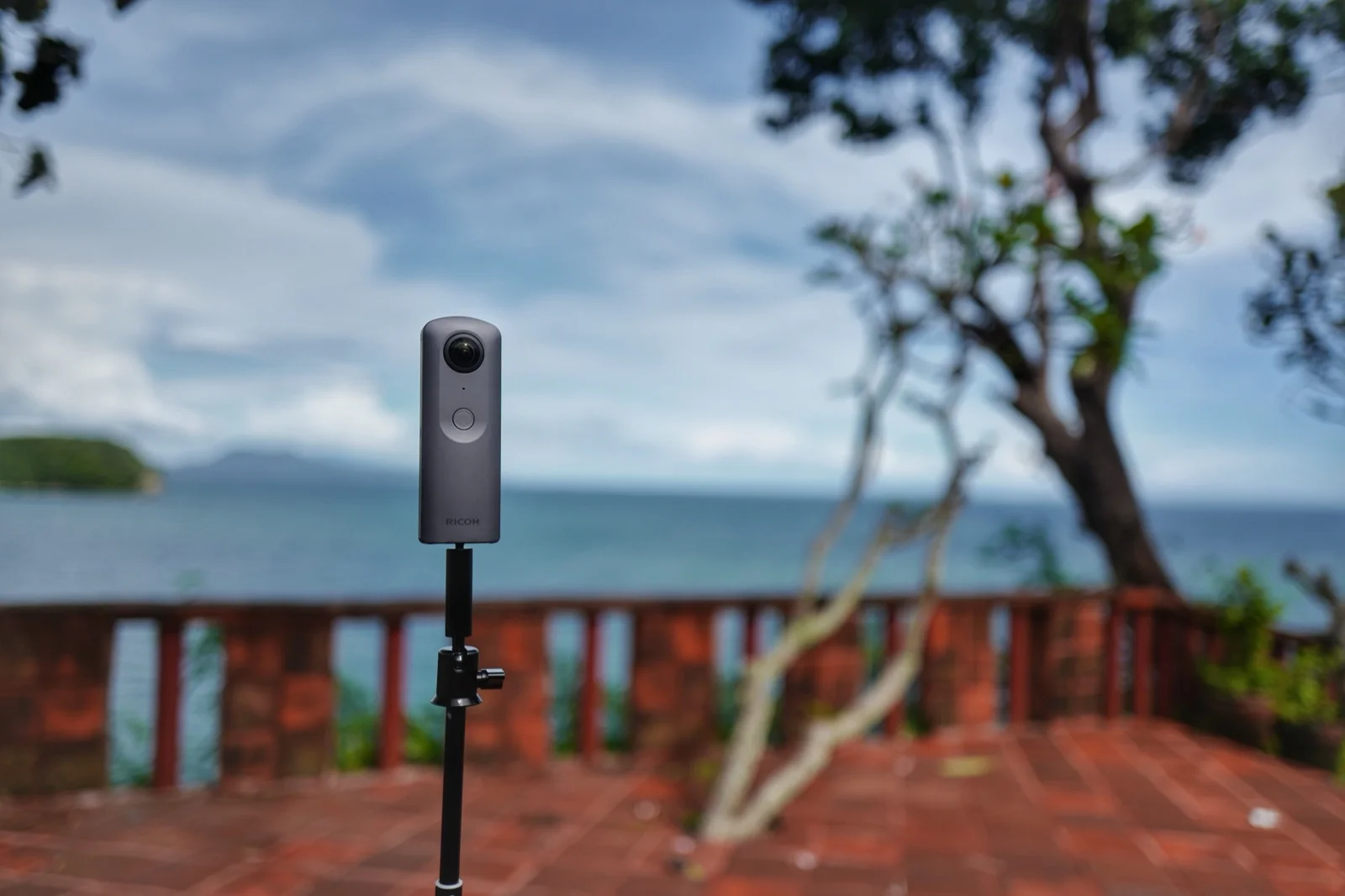
Cover image: RICOH THETA V on tripod by 之乎 (Wikimedia user Search255), CC BY-SA 4.0, via Wikimedia Commons. The cover was resized and re-encoded for web delivery; the adapted image remains under CC BY-SA 4.0. Inline image credits appear directly beneath each image.