
You shot the tour. You built the tour. You delivered the tour.
Now the client is asking: "Who is keeping this online?"
For photographers and videographers who shoot one-off virtual tour projects -- a real estate listing, a hotel lobby, a restaurant walkthrough -- hosting is usually an afterthought until the invoice is paid and the link stops working.
This article covers how virtual tour hosting actually works, which platforms let you escape ongoing subscription costs, and what language to use in a delivery agreement so the question never comes back.
Why hosting is a separate problem from editing
A virtual tour is not a JPEG or an MP4. Once you deliver it, somebody has to keep a computer running so the client's embed code still works.
If you built the tour on a hosted platform -- Mirame360, Kuula, CloudPano, Panoee -- your account is the server. If your account goes away, so does the tour. The client's website embed goes blank. The link they sent their own clients stops working.
This is different from delivering a finished photograph. A JPEG sits in the client's Drive folder forever. A virtual tour link depends on a running service.
The question of who pays for that service is a business question, not a technical one -- but it's usually answered too late.

Agree on hosting ownership and duration before the final tour link is delivered.
The three hosting arrangements in practice
Arrangement 1: The photographer stays on the hook
You keep the tour in your own account. You pay for hosting as long as the account runs. The client gets a clean link they don't have to think about.
This is the default for most freelancers who start with hosted platforms without thinking about it -- and it creates a hidden recurring cost per project. At Kuula PRO, Panoee paid tiers, or CloudPano, that might be $10-30 per month in platform fees that quietly accumulates.
For one or two tours it's manageable. For fifteen tours built over two years, you're effectively subsidizing every client whose project you still have live.
When it works: High-value clients who expect a "it just works" delivery. Projects where you include hosting in the project fee, explicitly, and the client agrees.
What to write in the contract: "Hosting is included for [X months/years]. Renewal beyond that period will be quoted separately."
Arrangement 2: The client takes ownership of the account
The client creates their own account on the platform, you build the tour there, and they handle the ongoing cost.
This sounds clean but has practical complications. Not all platforms make account transfer straightforward -- some lock tours to the account that created them. The client needs to understand what "manage your account" means in practice. And if the client cancels their plan in month two, the tour goes down, and they may not understand why.
For business clients with a web team or marketing department, this can work. For small clients who just want a link, it usually doesn't.
When it works: Clients with existing web infrastructure who understand SaaS accounts. Projects where the client wants long-term editorial control of the tour.
What to write in the contract: "The tour will be delivered to a [Platform] account registered in the client's name. Ongoing hosting costs are the client's responsibility from the date of delivery."
Arrangement 3: Defined expiry
The tour stays online for an agreed period -- 90 days, 6 months, through the end of a listing campaign -- and after that it may come down. The client knows this going in.
This is the most honest arrangement for true one-off projects. A real estate tour for a listing that has already sold doesn't need to be online forever. A hotel renovation tour from 2022 doesn't need to be online in 2026.
Define a specific date, not a vague condition. "Through the end of the campaign" is not a date.
When it works: Short-term listings, event walkthroughs, project approvals, media reviews. Any tour where the content has a clear end of life.
What to write in the contract: "The tour will remain hosted through [specific date]. The client agrees to download any required assets before that date."
Platform options and what they mean for one-off work
Cloud-hosted platforms: you're renting server space
Most tour builders -- Mirame360, Kuula, CloudPano, Panoee -- run on cloud infrastructure. You upload, they serve. The tradeoff is dependence: if your account lapses, the tour goes offline.
Mirame360 is currently in free public beta through December 31, 2026. Right now you can build and host a tour at no cost, with no watermark on embeds. The post-beta pricing isn't announced. For a tour that needs to be live in early 2027, you're betting on a specific outcome. For a tour that only needs to be live through Q4 2026, the current beta is a clean solution -- just be explicit with the client about the timeline.
Kuula free tier keeps tours online indefinitely but with significant restrictions: hotspots added by the creator are invisible to visitors without a PRO subscription, and every embed shows the Kuula logo. PRO subscriptions unlock both -- but that's a recurring cost you're either absorbing or passing through.
CloudPano free tier: tours expire after 120 days. Paid plans let you download the tour files for self-hosting. Their help documentation explicitly confirms that downloaded tours don't need an active CloudPano subscription to work -- which makes self-hosting a viable exit strategy.
Panoee includes a free tier with 3GB storage and no watermark. Paid tiers remove the Panoee branding from embeds and add custom subdomains.
Self-hosting: you own the infrastructure
Some tools let you export a standalone tour package that you host yourself.
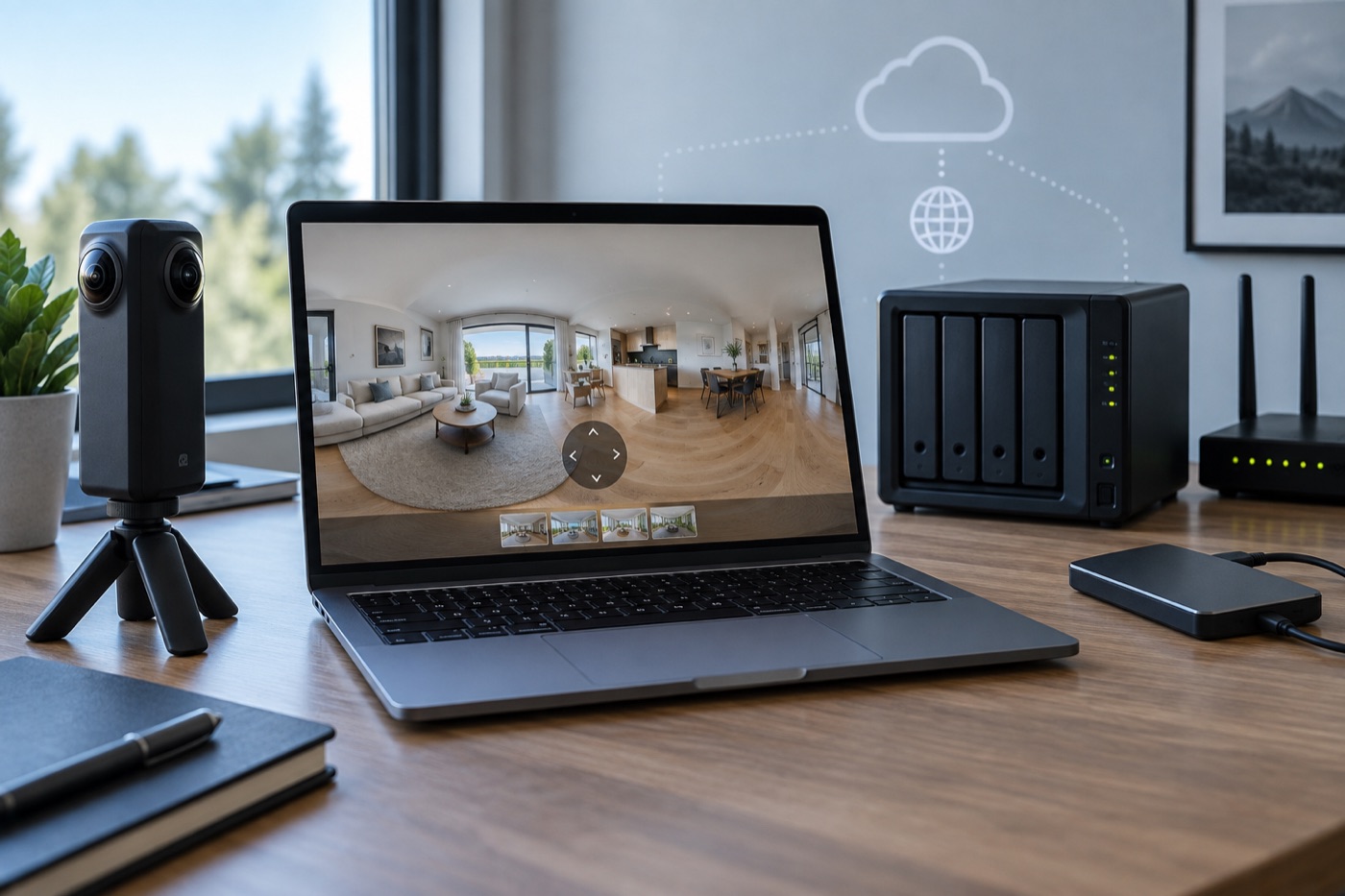
Self-hosting means you control the infrastructure -- and you're responsible for keeping it running.
3DVista exports tours as complete HTML/CSS/JS packages. You can publish to their optional cloud (3DVista Cloud), or upload the package to any web server -- yours, the client's, or a CDN. The tour then runs entirely from the server you choose. 3DVista Cloud is an optional add-on, not a requirement: their documentation states "you can host 3DVista tours on any server you want."
Marzipano is an open-source viewer library. You build the panorama scene yourself, export to static files, and host on any web server. No subscription, no vendor dependency -- but you are the hosting provider, and you need a server.
CloudPano downloaded tours (paid plan): once downloaded, per CloudPano's own docs, the tour does not need a CloudPano connection. You can host it on your own server, give the files to the client, or put it on any compatible static host.
Self-hosting eliminates vendor dependency at the cost of operational work. You need to manage the server, the SSL certificate, the uptime, and the backups. For a freelancer delivering one-off projects, that's real time and cost.
The hybrid option: raw files as a recovery plan
Some clients want to "own" the tour but don't have server infrastructure. One practical arrangement:
- Build and deliver on a cloud platform (either your account or the client's)
- Include the raw equirectangular files in the delivery folder
- Agree in writing that if the cloud link goes down, you'll rebuild from the raw files at an agreed rate
This isn't a transfer of the tour -- it's a recovery plan. It doesn't cover tours with complex hotspot logic, audio, or multi-scene navigation, because that visual structure lives in the platform's editor, not the raw files. For simple single-scene panoramas, the equirectangular is the actual content; the platform is just the viewer.
What happens when hosting ends unexpectedly
Platforms shut down or change pricing. Accounts lapse. Beta periods end.
The link stops working. The URL returns an error. The iframe embed on the client's website shows nothing.
The client's embed breaks. If the tour was embedded on a property listing, a hotel homepage, or a business's website, that section is now broken. The client may not notice immediately -- and when they do, they may not know why.
The client may ask you to fix it. Even if it's not your fault. Even if the platform changed its pricing. Even if the project was three years ago. If you're the person who delivered the link, you may be the person they call.
The cleanest protection is a written agreement that defines your responsibility and its limits: "Hosting is provided for [X period]. After that date, the link may be taken offline and the photographer has no obligation to maintain it."
Pricing one-off hosting into a project
If you're absorbing hosting costs, price them explicitly. A 12-month hosting commitment at Kuula PRO costs roughly $12-20 per month depending on tier -- that's $144-240 for a year of keeping one tour live. Add it to the project fee and label it: "includes 12-month platform hosting." The client understands what they're getting, and you're not running the numbers in your head a year later.
Alternatively, invoice hosting separately as a recurring annual fee. Some clients prefer this because it's transparent. Some photographers prefer it because it creates an ongoing relationship.
If you want zero ongoing hosting obligation, use a platform that allows download-and-self-host (CloudPano paid tier, 3DVista) and give the client the files. Your job ends at delivery.

A clear delivery date and written terms prevent the "who's responsible?" call later.
What to agree on before you deliver
Before you send the link, settle five things:
- Who owns the hosting account? You, or the client?
- How long does the link need to work? A specific date, not "indefinitely."
- What happens when that period ends? Does it auto-renew? Does it lapse? Does the client take over?
- What is the platform's current policy? Is it a beta service? Is there a free-tier expiry? Are downloaded tours independent of the subscription?
- Is an iframe on the client's website part of the delivery? If so, the client needs to understand that the embed depends on the host staying live.
Put the answers in the delivery email or the project agreement -- in plain language, next to the link, not in fine print.
For help with the delivery workflow itself -- what files to send, how to test the link, and what to put in the delivery email -- see our guide to delivering 360 photos and videos to clients.
If you're building your first tour and want a platform that doesn't require a credit card, create a free Mirame360 account -- the current beta lets you host and embed 360 media without a subscription, with scene navigation links visible to all visitors.