Free 360° photo hosting means a platform stores an equirectangular image and serves it in an interactive, draggable viewer without charging a recurring subscription. It almost never means unlimited private storage, permanent retention, white-label embeds, commercial use, full-resolution downloads, and complete virtual-tour tools all at once.
That distinction matters. A free plan can be genuinely useful without being free of trade-offs. The trick is to find the limit that won't break your particular project.
What “free” actually buys in 360° photo hosting
A normal image host only has to deliver a JPEG. A 360° host also has to recognize the projection, render it on a sphere, generate a browser player, and often create several image sizes so a phone doesn't fetch the same payload as a desktop display. Some platforms add hotspots, maps, tour navigation, analytics, privacy controls, or embed code.
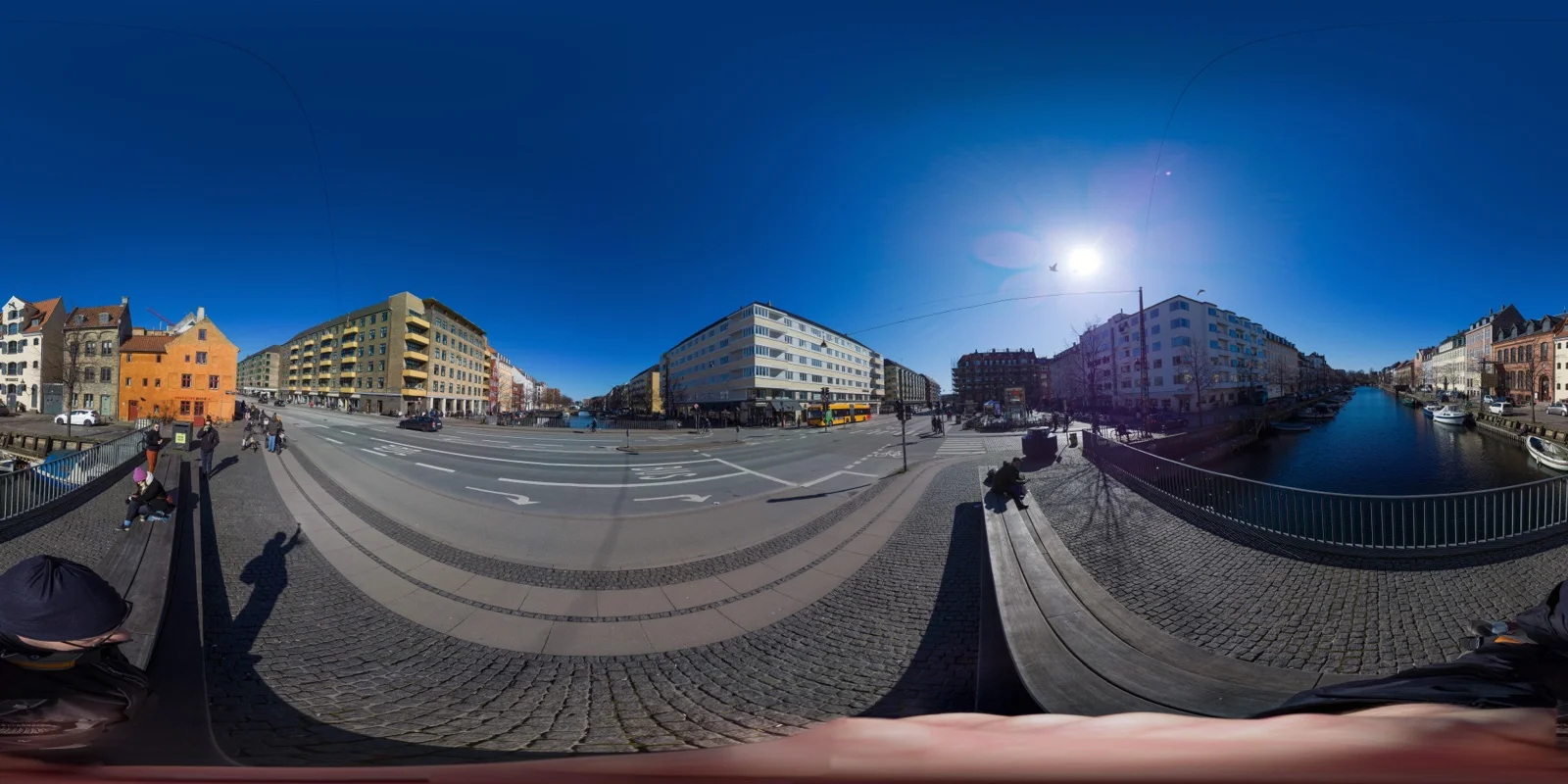
The familiar flat 2:1 image below is what many full-sphere viewers expect. It looks distorted until software wraps it around the viewer.

Image: Pu2wxp, CC BY-SA 3.0, via Wikimedia Commons.
A $0 service still pays those storage, processing, and bandwidth costs. It recovers them through branding, ads, public discovery, feature gates, lower display resolution, a path to paid upgrades, or some mixture of the five. “No monthly fee” describes the invoice. It doesn't describe the whole deal.
Six platforms, six different versions of free
Mirame360: general-purpose hosting that is free right now
Mirame360's privacy policy says the platform is currently offered free of charge. “Currently” is the honest word to notice: this is the service's present status, not a promise that pricing or limits can never change. The same policy says there is no guaranteed lifetime for uploaded data and that content may be removed or archived for operational, legal, or safety reasons.
For photos, the upload guide accepts a single equirectangular JPEG, PNG, WebP, or TIFF. It can also stitch 3–10 overlapping photos, and completed media gets share controls plus 4K, 2K, and 1080p iframe options. That makes Mirame360 a direct fit when the job is “give this panorama a link and an embeddable viewer,” rather than building an elaborate property tour.
The caveat isn't hidden behind a pricing calculator: free hosting is delivery, not archival insurance. Keep your originals elsewhere.
Kuula: generous uploads, but the free tour is deliberately incomplete
Kuula's Basic plan has no time limit, and its free-account documentation currently allows 25 images in one batch and 100 uploads per month. Public and private posts are available, and public work can be shared or embedded. All free links and embeds carry Kuula branding.
The important catch is visitor-facing tour behavior. You can build hotspots while logged in, but free-account hotspots aren't visible to visitors. Audio is also a paid feature, while unlisted sharing requires PRO and password protection requires Business. Kuula's free tier is good for single panoramas, experiments, and learning its editor. I wouldn't use it to promise a client a navigable room-to-room tour, because the links that make that tour work disappear for the audience.
Momento360: a real feature set inside a small storage box
Momento360 takes a different approach. Its November 2025 plan table lists 750 MB of storage, 100 active shares and embeds, 20 collections, two plan drawings, and a maximum display resolution of 4K on the free tier. Its watermark remains on shares and embeds, but standard annotations and image, link, embed, and navigation hotspots are included.
That's a useful bundle for a small, annotated project. The hard ceiling is storage rather than monthly upload count. A handful of carefully compressed panoramas may barely dent 750 MB; repeated full-resolution exports from modern cameras will consume it surprisingly quickly.

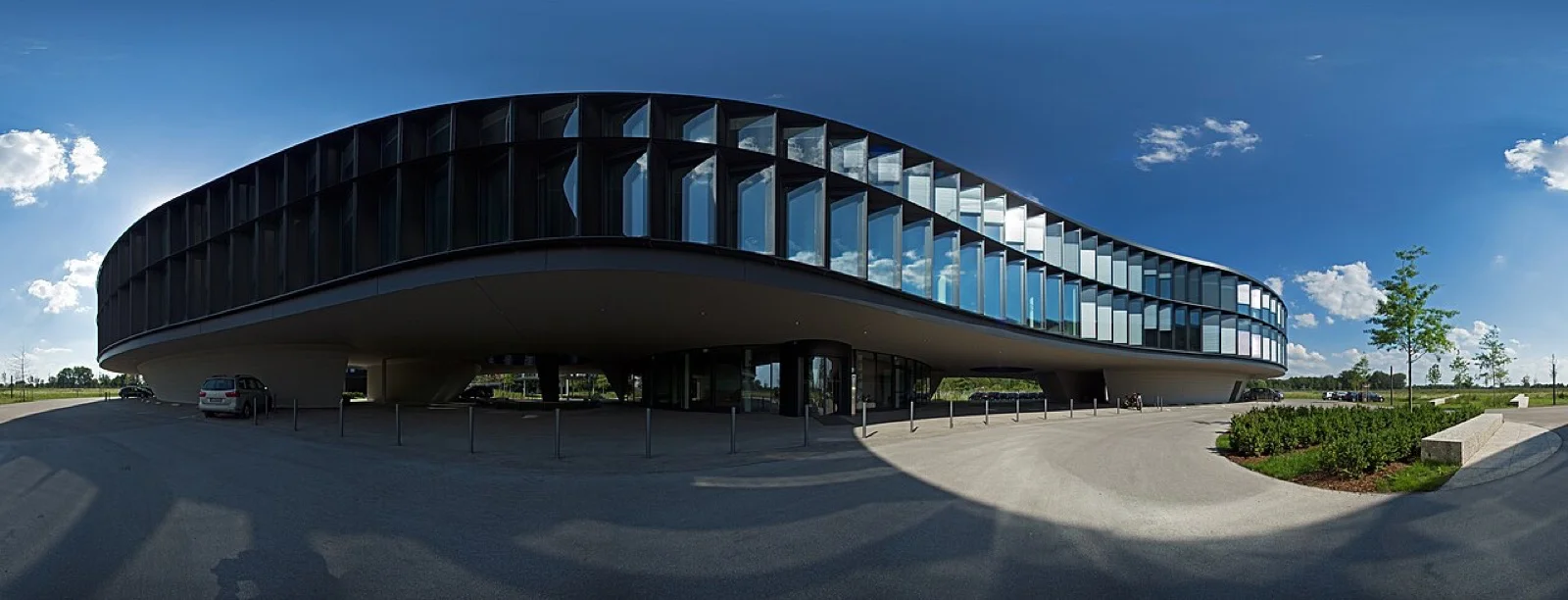
Image: © Simon Waldherr, CC BY-SA 4.0, via Wikimedia Commons. The original panorama was stitched from 26 photographs; this linked preview is resized.
360Cities: unlimited public publishing with editorial rules
On paper, 360Cities has the least restrictive upload number. Its account guide says Basic members can upload and publish an unlimited number of panoramas and 360° videos, embed panoramas, and make work available for third-party licensing.
But Basic is designed for a public panorama community, not a private client vault. Every panorama is reviewed. The publishing requirements call for JPEG or 8-bit TIFF, a seamless 360° image, family-safe content, and 2:1 dimensions for a full spherical panorama. Images generally need to be at least 6,000 pixels wide to be selected for public promotion. Unlisted panoramas belong to the paid Plus tier, and panoramas that clearly promote a business require PRO or COMPANY.
For landscape, travel, and documentary photographers who want discovery or licensing, that bargain can be excellent. For a private real-estate proof or a branded business tour, it is the wrong bargain.
Flickr: a photo community with a 360 viewer, not a tour platform
Flickr's official VR page describes a draggable viewer for supported equirectangular photos. The surrounding product, though, is still a photography community rather than a specialist tour builder.
Current free-account limits cap an account at 1,000 total items and 50 non-public photos or videos. Free members are limited to Safe content and cannot post commercial content. There is another quiet portability limit: Flickr's download help says free accounts cannot offer original or large-size photo downloads above 1,024 pixels through the normal download flow, and bulk downloads are likewise limited to 1,024 pixels.
Flickr makes sense if conversation, following photographers, and albums matter more than hotspots or client delivery. The commercial restriction alone rules it out for many professional portfolios.
Google Street View: public mapping, not neutral hosting
Google lets contributors publish 360 imagery to Maps, but that doesn't turn Street View into a general-purpose photo host. Google's current contribution page emphasizes capturing streets, trails, tourist sites, and businesses, then uploading 360 imagery through Street View Studio. Contributions are attached to places and governed by Maps user-contributed content policies.
Use it when the desired destination is the map. Don't choose it because you need an unlisted link, a neutral embed for your own site, or a private archive. Those are different jobs.

Image: ubahnverleih, CC0 1.0, via Wikimedia Commons.
The free-plan limits worth comparing first
A platform's headline allowance is rarely the number that decides whether it fits. Before uploading a whole library, check these questions with one representative panorama:
- Is the limit measured in files, uploads per month, total storage, active shares, or bandwidth?
- Can an anonymous visitor see the same hotspots and controls that you see while logged in?
- Are public, private, and unlisted genuinely separate, and is password protection included?
- What resolution does the viewer serve, and can you retrieve the original later?
- Does the embed carry platform branding, advertising, or links away from your site?
- Are commercial portfolios, client work, and promotional panoramas permitted on the free account?
Those questions expose why two “free” offers can feel nothing alike. Kuula's 100 monthly uploads sound larger than Momento360's 750 MB, but they aren't comparable units. One controls intake frequency; the other controls the accumulated library. Likewise, 360Cities' unlimited uploads come with public review and use-case rules, while Mirame360's present free access comes with no guaranteed lifetime for stored media.
Hosting is a delivery copy, not your backup
A 360° photo host should be treated like a gallery wall. Your original stitched export, source frames, project file, and metadata belong in storage you control. Keep at least two copies, ideally on different devices or in a dedicated backup service.
This is more than generic caution. A host can change plan limits, downsample its viewer assets, restrict original downloads, remove inactive material, or close. None of those outcomes is dramatic if your master files and captions are organized locally. All of them are painful if the hosted copy became your only copy.
A small text or spreadsheet inventory helps too: filename, title, capture location, upload date, public URL, privacy mode, and license or model-release notes. Switching services then becomes an afternoon of re-uploading instead of digital archaeology.
Which free 360° photo host should you pick?
For a straightforward public panorama or iframe on your own page, Mirame360 is the cleanest match in this group today. It is built around uploaded 360° media and browser embeds, and it doesn't pretend the current free status is a lifetime storage guarantee.
Kuula is the better free sandbox if you specifically want to learn a polished tour editor, as long as you accept that visitors won't see hotspots. Momento360 is the more interesting small-project choice when annotations and navigation matter immediately, but 750 MB is a firm boundary. Choose 360Cities when public discovery, a panorama community, and possible licensing are the point. Pick Flickr for photographic community and albums, not commercial tours. Use Street View only when the map itself is the destination.
Whichever one sounds right, upload two images before committing: an average panorama and the largest file you expect to publish. Open both while logged out, on a phone, and inside an embed. That ten-minute test reveals more than a pricing grid.
You can browse live work on Mirame360 Explore first. If the viewer suits your images, create a free account and test one real panorama rather than migrating the whole archive on faith.
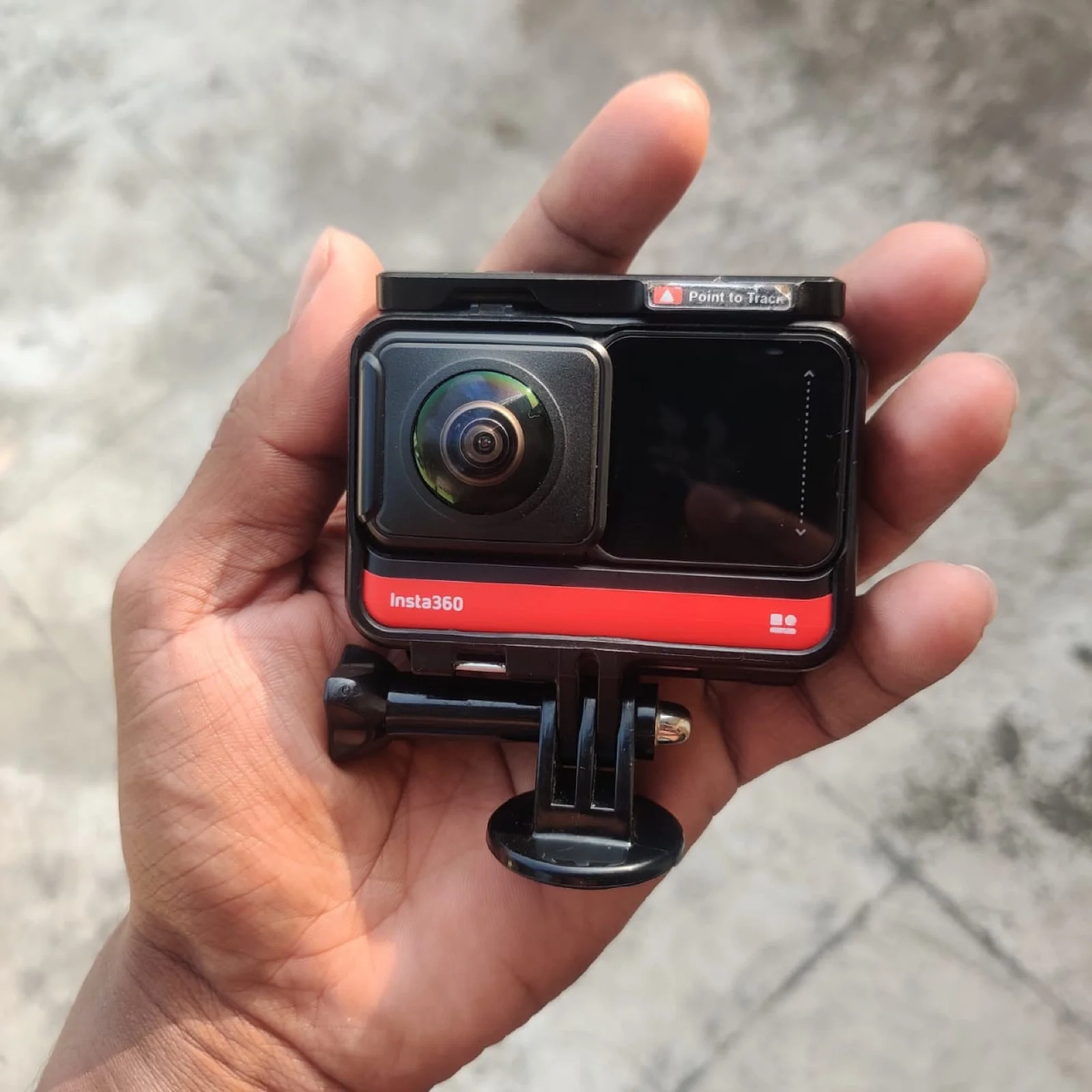
Cover image: Viveka Ravichandran V, CC0 1.0, via Wikimedia Commons; resized and re-encoded for the web.