3DVista Virtual Tour Pro is a desktop-based virtual tour authoring application, while Mirame360 is a free, web-native 360° photo and video hosting platform. Choosing between them comes down to whether you need complex offline authoring software or an instant cloud host for sharing immersive media. Where 3DVista demands a upfront license and local workstation resources, Mirame360 lets creators upload, encode, and embed equirectangular panoramas directly in a browser at zero cost.
Architectural Foundations: Desktop Workstation vs. Cloud Platform
The fundamental split between Mirame360 and 3DVista lies in where processing happens and how files are stored. 3DVista Virtual Tour Pro operates as traditional desktop software for Windows and macOS. You install a heavy application locally, import high-resolution source panoramas or 360° video files, and construct scenes on your computer. Editing demands solid hardware—typically an Intel i5 or i7 processor and at least 16 GB of RAM—because all stitching, skin rendering, and asset compiling rely on your machine's CPU and GPU.
When a tour project is finished in 3DVista, the software compiles a directory of HTML, JS, and image assets. From there, file distribution is entirely your responsibility. You can upload the bundle to your own web server via FTP, configure CORS and MIME types, or pay for 3DVista Cloud hosting (which starts at 99€ per year after an initial trial). If you edit a single scene later, you must open the desktop project on the original computer, recompile, and re-upload the bundle.

Photo: DXR, CC BY-SA 4.0, via Wikimedia Commons
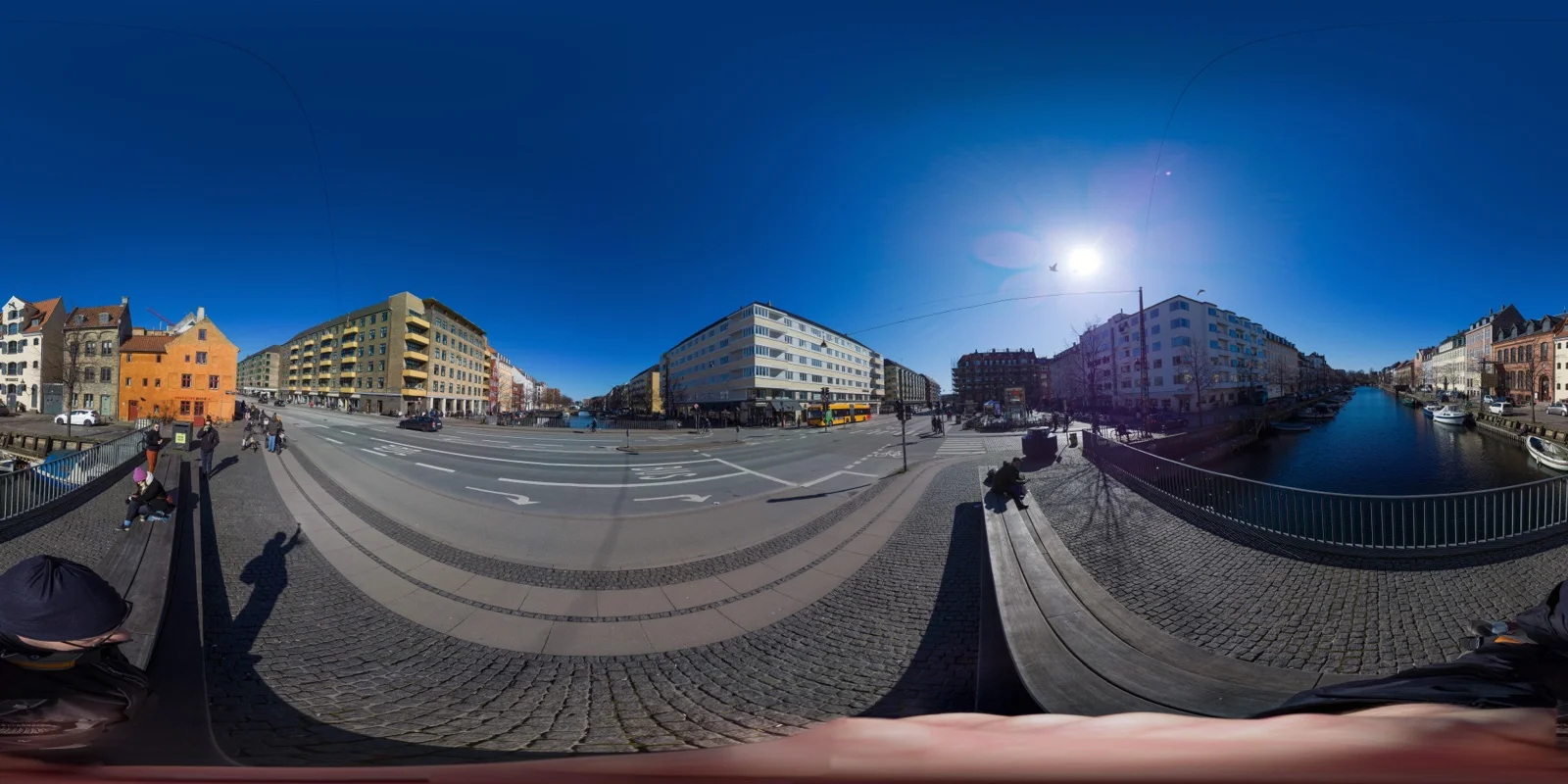
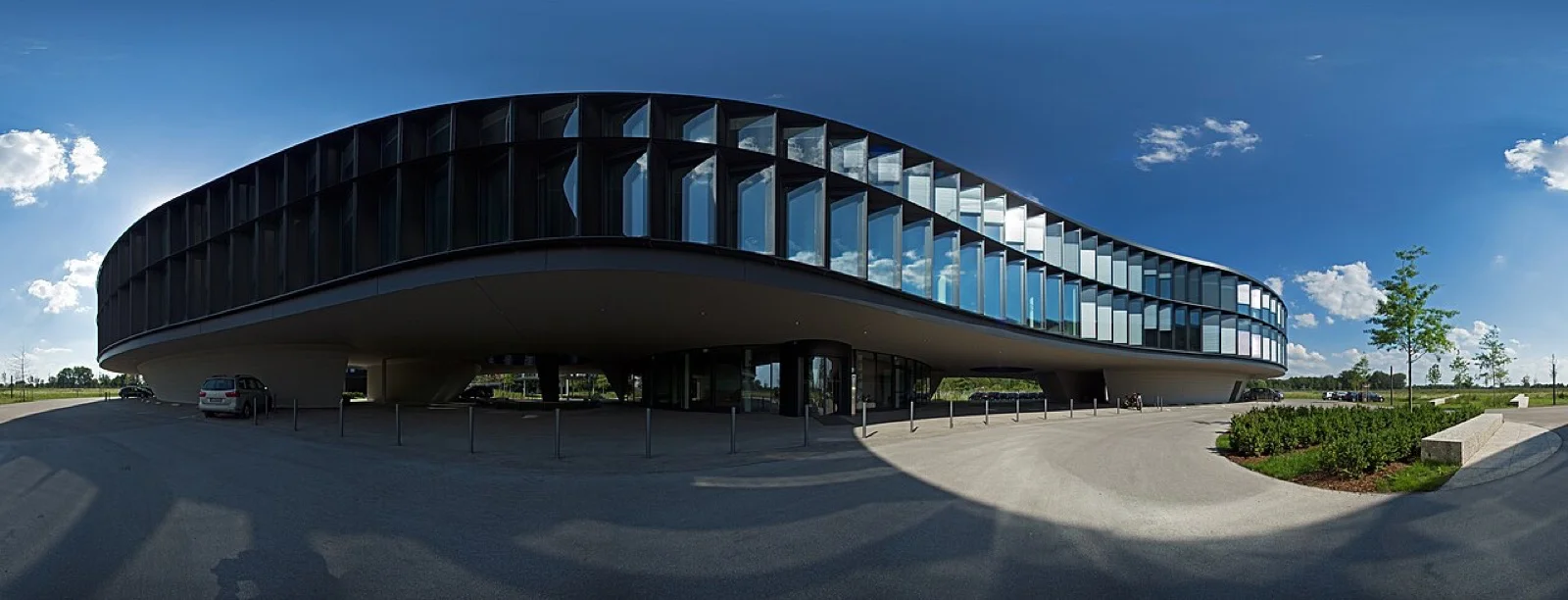
Mirame360 flips this architecture into a browser-native workflow. There is no desktop app to install, no software updates to manage, and no local rendering tax. You drag an equirectangular MP4 video or JPEG image into the browser, and Mirame360 handles validation, multi-bitrate H.264/H.265 encoding, WebGL player setup, and global CDN delivery behind the scenes. Files up to 10 GB are ingested seamlessly, making it effortless to host high-bitrate action camera footage or high-resolution architectural stills without touching server configs.
Feature Spectrum: Complex Custom Interactivity vs. Rapid Web Delivery
3DVista shines when a project demands deep, custom interactive logic. Built primarily for virtual tour agencies, architectural visualization studios, and corporate e-learning, 3DVista offers specialized visual tools:
- Live Panoramas: Blend multiple exposures of the same scene captured at different times of day to create a smooth day-to-night slider.
- 3D Transition Effects: Simulate 3D camera movement between panorama nodes to mimic walking through a physical space.
- E-Learning Modules: Embed quiz cards, scoring systems, pop-up video modal frames, and SCORM/LMS integrations for corporate training.
- Live Guided Tours: Host real-time video calls directly inside a shared virtual tour, allowing an agent or trainer to guide client viewports synchronously.
These features make 3DVista a powerhouse, but that complexity comes with a steep learning curve. Mastering timeline animations, custom UI skin builders, and multi-state hotspots takes hours of training.

Photo: Alexandre Duret-Lutz, CC BY-SA 2.0, via Wikimedia Commons
Mirame360 focuses on frictionless speed and reliable hosting. Rather than overwhelming users with desktop timeline editors, Mirame360 delivers an intuitive web dashboard focused on what most creators actually need: uploading 360° photos and videos, linking scenes into clean virtual tours, and embedding them on external websites.
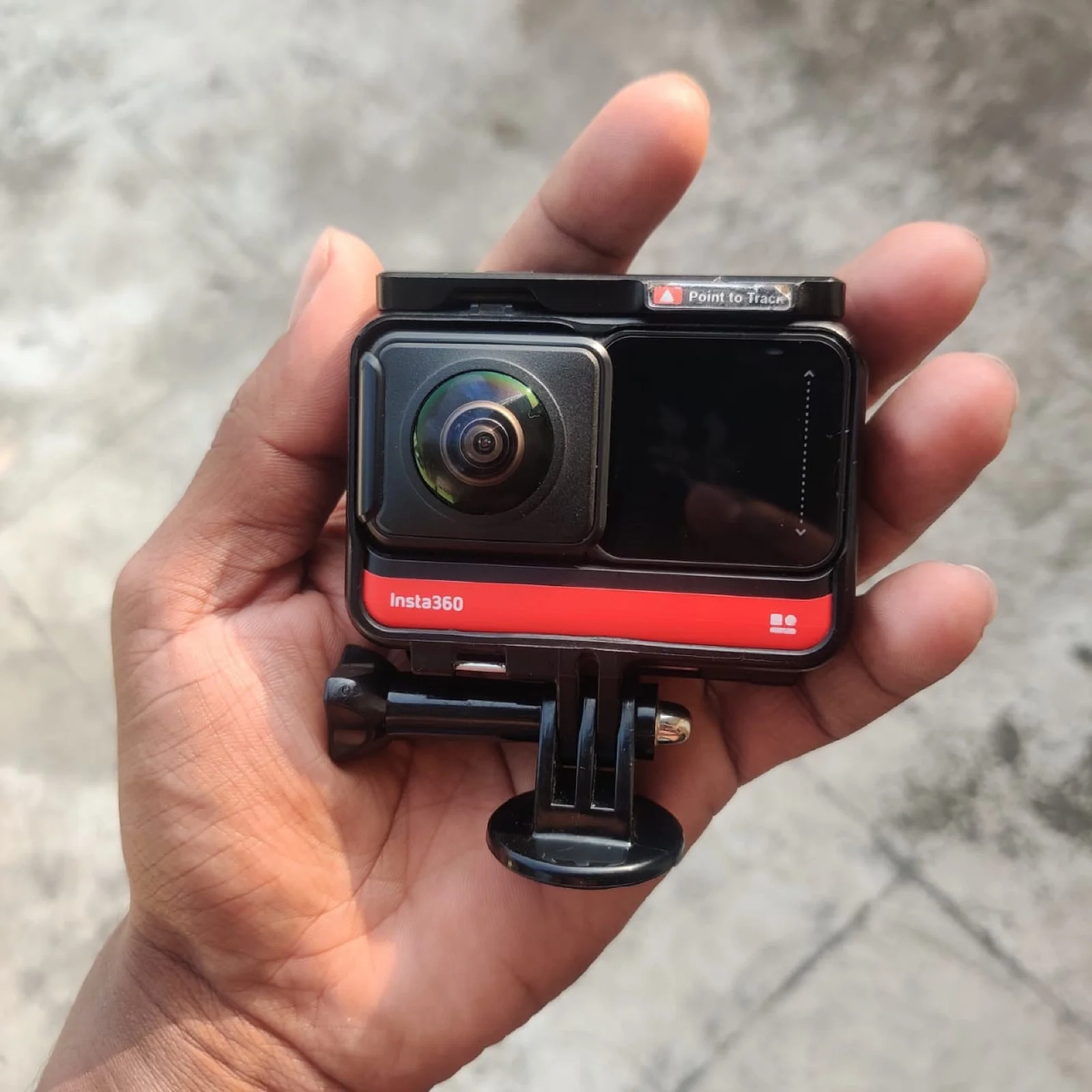
If you shoot with an Insta360 X4, GoPro MAX, or DJI Osmo, you do not need complex SCORM quizzes or custom skin scripts—you need a host that encodes your 360° video quickly and gives you a responsive iframe embed. Mirame360 provides automated multi-frame photo stitching via OpenCV, custom iframe embed snippets (4K, 2K, and 1080p), privacy controls, and real-time view analytics. Creators interested in exploring live public showcases can browse featured projects on Mirame360's Explore page or follow the step-by-step Mirame360 How-To guide to get started in minutes.
Financial Breakdown: Upfront Perpetual License vs. Zero-Cost Web Hosting
The financial commitment for these two platforms could not be more different. 3DVista Virtual Tour Pro costs a one-time purchase price of (€499). This standalone license includes Stitcher 4, one year of software maintenance updates, and a 3-month trial of 3DVista Cloud hosting.
While a one-time fee is attractive compared to monthly SaaS subscriptions, the true total cost of ownership of 3DVista often includes hidden recurring expenses:
- Hosting Costs: After the 3-month trial expires, hosting on 3DVista Cloud starts at 99€/year. If you host on your own server, you must pay for web hosting storage, egress bandwidth, and SSL certificates.
- Maintenance Updates: Once your initial 12 months of free software updates elapse, acquiring major version upgrades or new operating system compatibility patches requires purchasing an update subscription.
- Add-on Services: Custom branded mobile viewer apps (–) and specialized TURN video servers for Live Guided Tours carry separate fees.

Photo: MIKI Yoshihito, CC BY 2.0, via Wikimedia Commons
Mirame360 eliminates upfront software costs and ongoing server overhead entirely. Hosting 360° photos and videos on Mirame360 is completely free. There are no software license keys to buy, no hosting renewals to track, and no server bandwidth overage fees to worry about. For freelancers, real estate agents, drone operators, and small businesses looking to keep overhead low, Mirame360 provides enterprise-grade WebGL playback without touching a credit card.
Feature Comparison at a Glance
| Feature / Dimension | Mirame360 | 3DVista Virtual Tour Pro |
|---|---|---|
| Platform Model | Web-based cloud platform | Desktop application (Win / Mac) |
| Software Cost | Free (zsh) | / €499 (one-time license) |
| Hosting Included | Yes (Free cloud hosting & CDN) | Optional (3-month trial, then 99€/yr or self-host) |
| 360° Video Support | Full equirectangular MP4/MOV/WEBM | Supported (local encoding) |
| Panorama Photo Support | JPEG/PNG/WebP + OpenCV auto-stitch | Supported + Stitcher 4 included |
| System Requirements | Any modern web browser | High-spec PC/Mac (16GB RAM recommended) |
| Embed Workflow | 1-click iframe copy & custom aliases | Export HTML files, upload via FTP or Cloud |
| Offline Viewing | No (requires web connection) | Yes (standalone executable export) |
Real-World Workflows: Which Tool Fits Your Project?
To choose between Mirame360 and 3DVista, evaluate your team's existing technical skills, output goals, and budget constraints.

Photo: Ansgar Koreng, CC BY-SA 3.0 DE, via Wikimedia Commons
3DVista is the right tool if you build commercial virtual tours for high-paying corporate clients, educational institutions, or offline museum kiosks. If your client demands custom JavaScript hotspots, SCORM e-learning quizzes, floorplan radar views, or offline desktop executables that run without internet connectivity, 3DVista's price tag pays for itself on a single professional contract.
Mirame360 is the ideal solution for creators, photographers, action video enthusiasts, real estate agents, and web developers who want fast, reliable 360° hosting without friction. If you shoot 360° media and want to embed crisp, responsive video or photo players on client websites, WordPress blogs, or portfolio pages in under two minutes, Mirame360 delivers everything you need with zero software installation or hosting fees.
Final Verdict and Recommendation
3DVista Virtual Tour Pro and Mirame360 address two entirely different stages of the immersive media ecosystem. 3DVista is a deep, feature-rich desktop authoring studio for power users who need total visual control and complex interactive logic. Mirame360 is a fast, modern web host engineered to make publishing and embedding 360° media accessible to everyone.
If you are tired of managing local project files, setting up custom web servers, or paying hundreds of dollars upfront for desktop software, test the web-native approach. You can register for a free Mirame360 account in seconds, upload your first equirectangular photo or video, and grab a clean embed snippet immediately. For answers to common encoding questions, visit the Mirame360 FAQ and start sharing your 360° experiences today.