
Choosing between the Insta360 X6 and GoPro MAX2 starts with what you want to bring home: a quick travel edit, a full 360 scene, or footage from a ride that would be difficult to record twice.
Our recommendation: shortlist the X6 if its InstaFrame workflow and higher-resolution single-lens recording would save you work. Shortlist the MAX2 if you already use GoPro accessories and want its 360 capture, reframing tools and replaceable lenses. Before paying more for either camera, watch the comparison below for the kind of footage and sound you actually need.
This is a buying guide based on manufacturer information and linked creator material, not a hands-on Mirame360 camera test. We do not declare an overall image-quality winner from sensor size or promotional claims.
Start with this video and audio comparison
Matthew Raftery's GoPro Max 2 vs Insta360 X6 – Video & Audio Comparison is the main viewing reference for this guide.
Open Matthew Raftery's comparison on YouTube.
The supplied viewing notes describe an outdoor park comparison covering reframed walking footage, single-lens fields of view, InstaFrame 2.0 versus Selfie Mode, and microphone settings. YouTube metadata confirms the title and creator; the scene descriptions here follow those notes rather than an independent frame-by-frame review.
Watch it twice. First, view it normally and decide which result you would be happy to share. On the second pass, concentrate on these details:
| Part of the comparison | What to look or listen for |
|---|---|
| Walking footage | Does the horizon remain steady? Do details smear with each step? |
| Trees, grass and paths | Can you distinguish texture, or does sharpening mainly emphasize edges? |
| Different digital lenses | How much of the scene fits? How stretched do faces look near the edges? |
| Front-facing framing on the bridge | Does the face stay correctly exposed as the background changes? |
| Audio | Are words clear? Does wind filtering make the voice sound thin or pump in volume? |
For the microphone comparison, jump to approximately 3:30. Use headphones and keep playback volume unchanged between samples. The supplied notes describe wind reduction and voice/stereo settings; read the on-screen labels before comparing segments.
A wider view makes distant objects smaller. Compare similar framing before deciding that one camera is softer. Also remember that this is a YouTube delivery file: its compression is part of the result you see.
The differences that matter before you buy
Keep this shortlist beside the video rather than trying to memorize every specification.
| Decision | Insta360 X6 | GoPro MAX2 |
|---|---|---|
| Normal action-camera clips | Official store advertises 5K60 and ultra-wide video | Official page lists 4K60 single-lens video |
| Quick framing | InstaFrame 2.0 is a central feature | POV and Selfie modes offer an initial view while retaining 360 capture |
| Editing | Consider whether you prefer the Insta360 workflow | Consider whether you prefer Quik and GoPro Player |
| Lens damage | Check the replacement process and local stock | GoPro documents twist-and-go replacement lenses |
| Purchase cost | US Standard Bundle listed at $699.99 when checked | Compare the current local offer and included accessories |
Sources: Insta360's official X6 store and GoPro's official MAX2 product page. Prices and bundles vary by region; the quoted X6 price is a US listing checked September 5, 2026.
For sensor formats, recording modes and the complete specification table, see our X6, Osmo 360 II and MAX2 technical comparison.
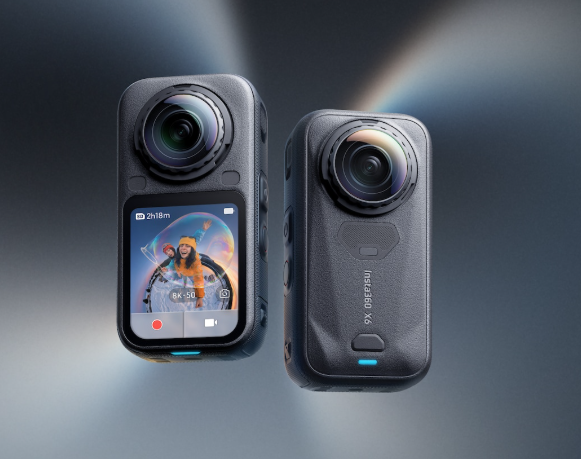
Insta360 X6 front and rear views. Image supplied for this comparison.
Which has better video quality?
The useful question is which looks better in your shooting conditions. A bright park clip can help you judge daylight rendering and walking footage. It does not settle night performance, motorcycle wind noise or a long recording in summer heat.
For a travel camera, start with faces, buildings and moving foliage. For cycling, prioritize vibration, changing light and the stitching around handlebars. For interiors, examine bright windows and straight doorframes near the seam.
Do not mistake attractive color for extra detail. You may prefer a warmer or more saturated image even when it resolves less texture. That preference is valid, but it is a different reason to buy.
For low light, ask for moving examples. A still night scene can hide the smearing that appears when someone walks through the frame. We do not have a matched low-light source-file test for this article, so neither camera receives a night-quality crown here.
Reframed video and interactive 360 are different results
A reframed clip fixes the viewpoint chosen by the editor. An interactive 360 video lets the viewer look around. Judge the format you plan to deliver: a clean forward-facing crop does not reveal every stitching problem elsewhere in the sphere.
If your export looks unexpectedly soft, our guide to blurry 8K 360 exports explains how field of view, bitrate and processing affect the result.
Single-lens video, selfie modes and sound
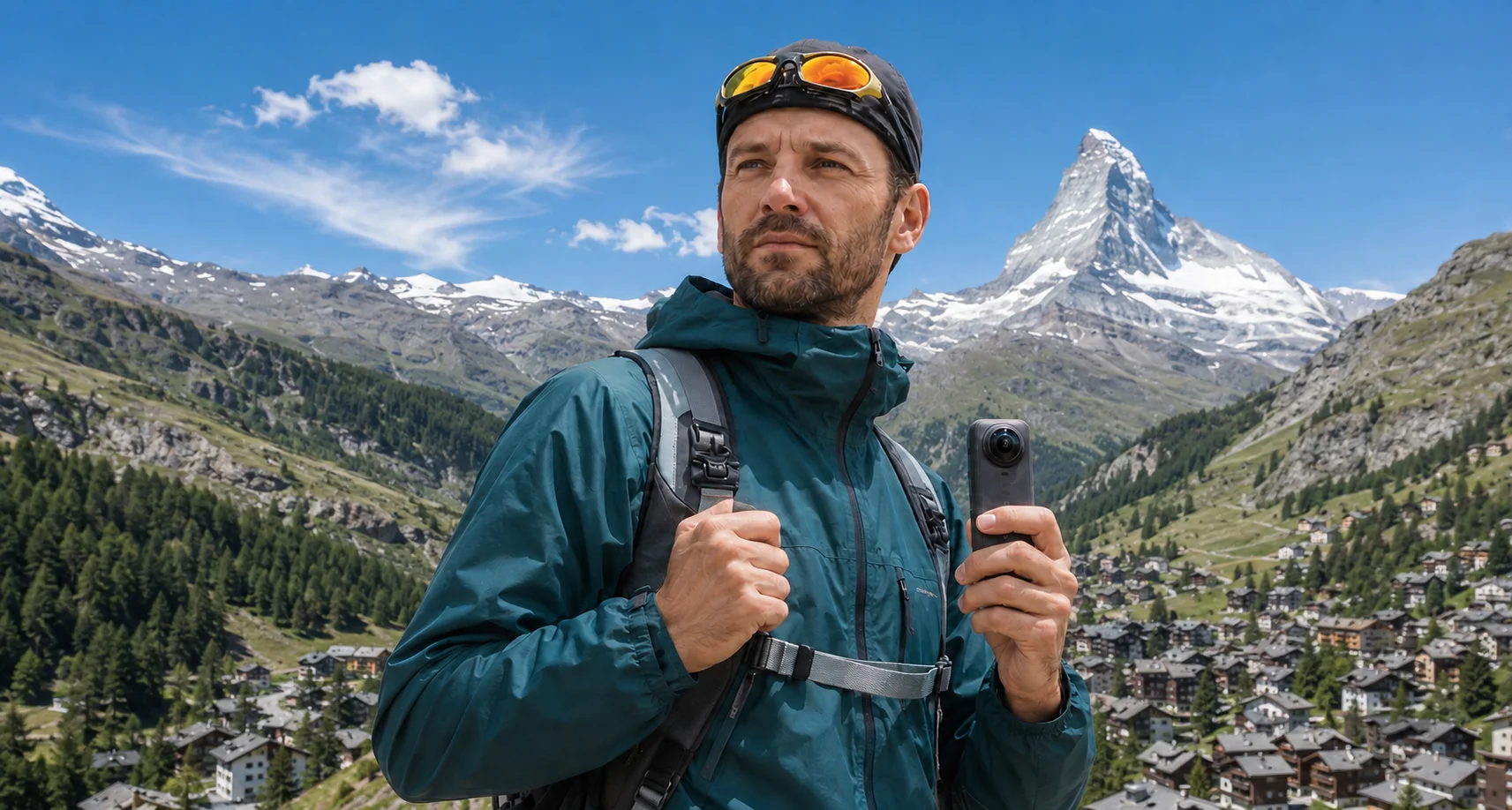
Single-lens recording matters if you sometimes want an ordinary clip without choosing a viewpoint later. The X6 and MAX2 offer different recording and framing options; use the digital-lens sections of Raftery's video to decide which view suits your face, helmet mount or handlebars.
For selfie framing, pay attention to more than whether the person stays near the center. Look for sudden exposure changes, awkward changes of direction and a frame that crops too tightly when the subject approaches.
Audio can matter more than another increment of sharpness. If you talk while walking, compare the voice through wind gusts and background sounds. If you replace location audio with music, microphone differences may deserve less weight in your purchase.
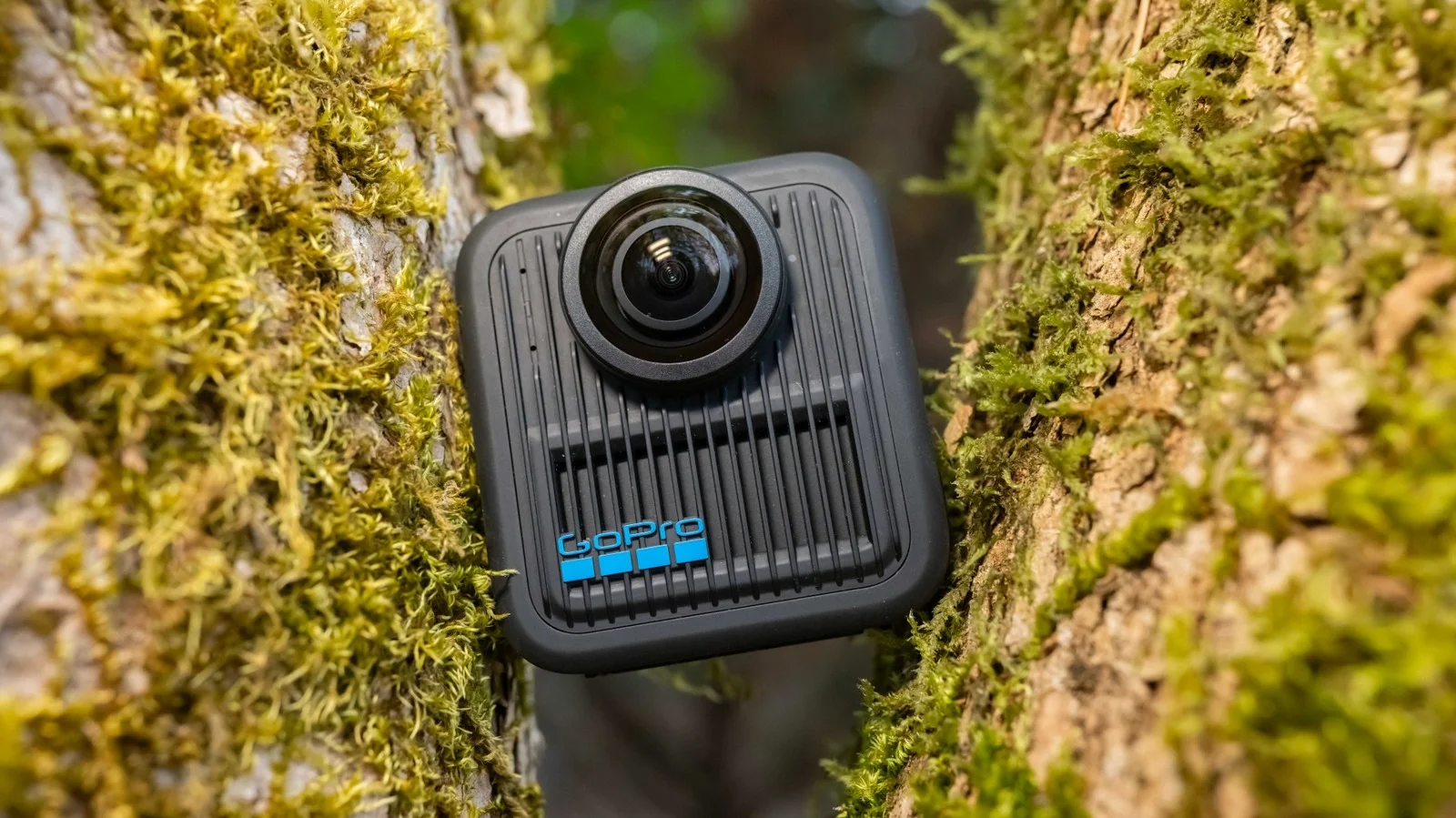
GoPro MAX2 front view. Image supplied for this comparison.
A second video for a broader look at the X6
DC Rainmaker's Insta360 X6 In-Depth Review: Actually Worth The Upgrade? provides a second creator reference alongside the direct comparison.
Watch DC Rainmaker's X6 review.
This is an X6 review, not a substitute for a matched two-camera test. Use it to build your own shortlist of questions about everyday handling, editing and features before purchasing. We verified its title, author and embed metadata; we have not independently graded its footage for this article.
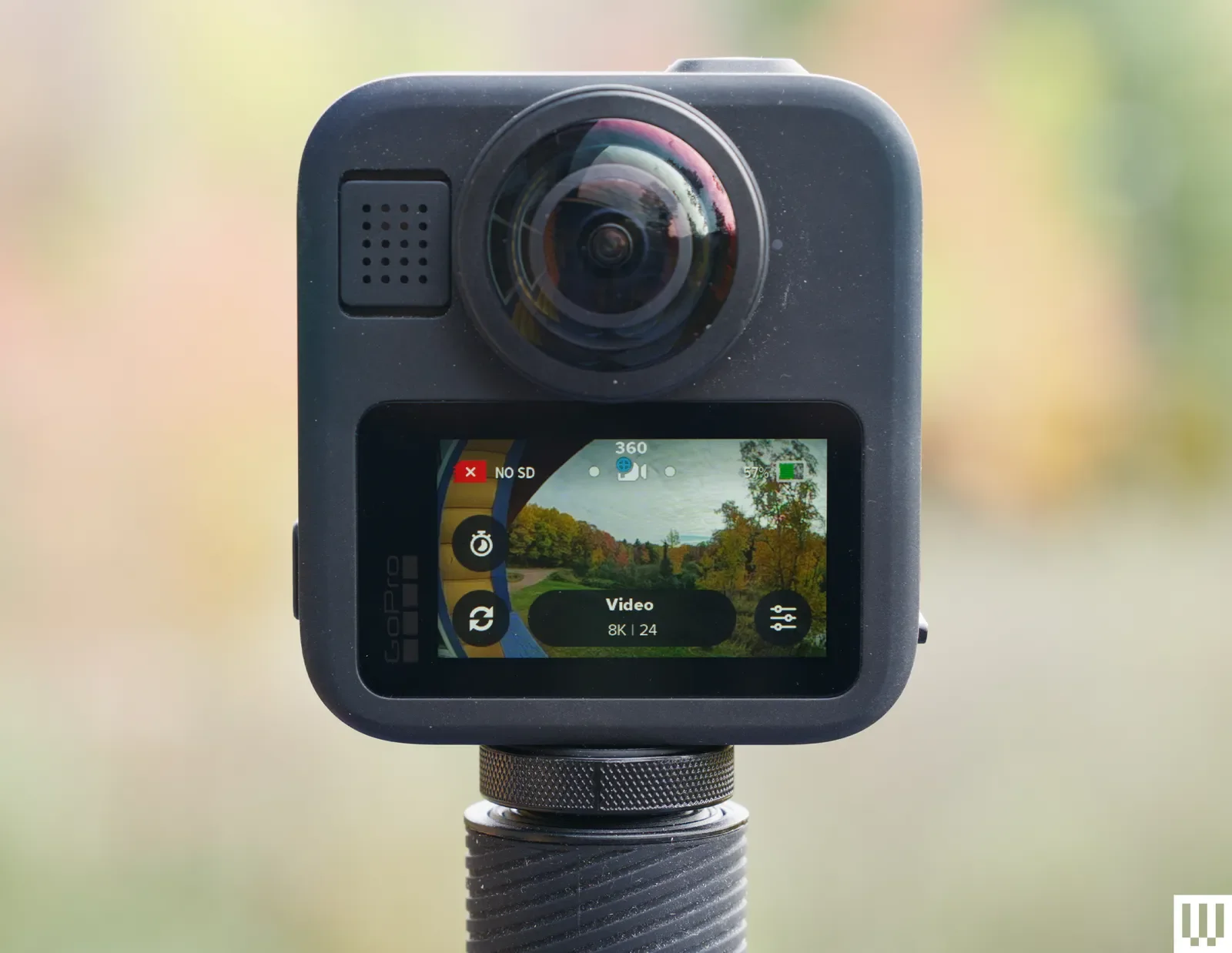
GoPro MAX2 screen and lens detail. Supplied image; original visible credit retained.
Editing: choose a workflow you will finish
Before buying, try to obtain a short original file and open it in the software you intend to use. Make a 20-second edit, change the framing, export it and play the result on your phone.
That small exercise answers practical questions a camera comparison often misses: can your computer handle the file, are the controls comfortable, and how long does a finished clip take?
Avoid choosing purely on the number of automatic effects. A feature saves time only if its result suits your footage. Equally, an unfamiliar interface may become comfortable after a short learning period.
What about EveryVS's comparison?
EveryVS compares the same two cameras and frames the choice around GoPro value and X6 flagship features. That is a useful buying perspective, but a specification advantage does not establish a measured image-quality advantage.
Use its feature checklist alongside official documentation and creator footage. Recheck regional prices before buying, and keep waterproof depth separate from underwater image quality: a depth rating alone does not demonstrate clean underwater stitching.
Which should you choose?
Choose the X6 if InstaFrame and its single-lens options address a specific part of your workflow, you prefer working in the Insta360 ecosystem, and the local bundle price fits your budget.
Choose MAX2 if its recording options meet your needs, you prefer GoPro's tools and mounts, and the total cost leaves room for the accessories and storage you need.
Keep comparing samples if your deciding factor is night video, difficult stitching or microphone performance in strong wind. The park comparison is a starting point, not evidence for every scenario.
If DJI is also on your shortlist, our X6 versus Osmo 360 II buying guide covers that separate decision.
Already own one? Try your export in the browser
Once you have a finished 360 photo or video, Mirame360 helps you show it to someone who does not use your camera's editing software.
Export a stitched equirectangular file, upload it to Mirame360, and check the interactive result on your phone and computer. You can share a viewing link or use the website embed where enabled. For video embeds, the available choices are 4K or 1080p.
Start with a short, non-sensitive clip. Look around the scene, inspect the seam and check playback on the devices your audience uses. Keep your original camera files separately for future edits.
Create a free Mirame360 account and try your first 360 upload.