Mirame360 and Momento360 are two of the most popular web platforms for hosting and embedding 360° media without requiring custom server infrastructure. While Momento360 built its reputation around hosting static 360° photos and basic virtual tours, Mirame360 provides a complete, modern ecosystem designed specifically for both high-resolution 360° video encoding and panoramic photo hosting. If your workflow relies on action cameras like the Insta360 X4 or GoPro Max, Mirame360 offers significantly higher file limits and native video transcode pipelines, whereas Momento360 restricts free accounts to a 750 MB cumulative storage cap and watermarked embeds.
Understanding the practical differences between these two services saves hours of frustration when trying to share interactive panoramas, embed virtual tours on client websites, or stream equirectangular video clips smoothly across mobile devices.
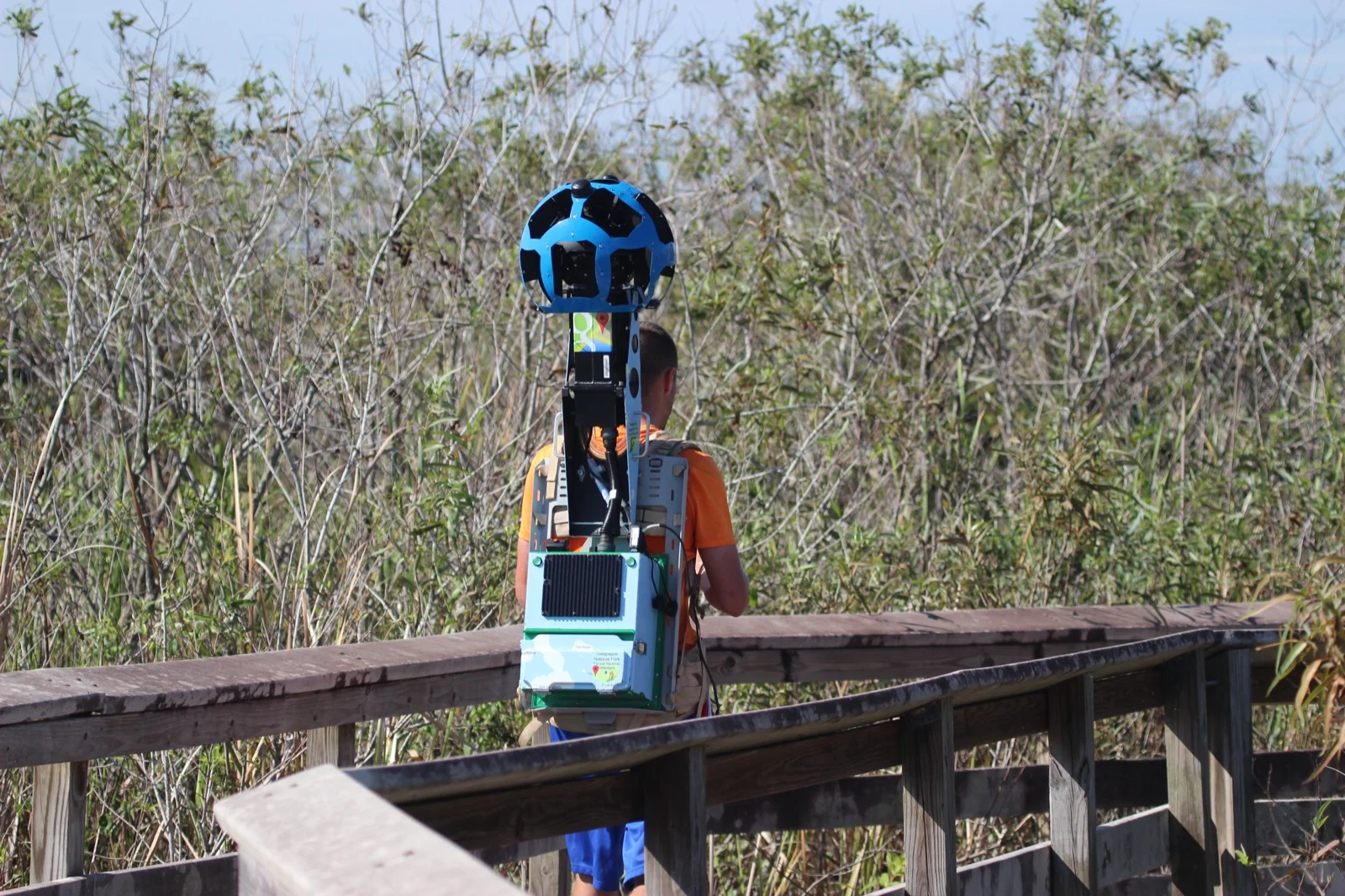
 Photo: ESO, CC BY 4.0, via Wikimedia Commons.
Storage Allocations and Single-Upload Limits
Storage allocation is often the first bottleneck creators encounter when selecting a free 360° media host. High-resolution equirectangular files—whether 8K panoramic photos or multi-gigabyte video exports—demand substantial storage space and bandwidth.
Momento360 imposes a 750 MB total account storage cap on its free plan. For photographers posting a small set of compressed JPEG stills, 750 MB can stretch across several dozen images. However, for video creators or high-volume photographers, 750 MB is consumed after just one or two media files. Upgrading beyond the free tier requires moving to Momento360 Personal Plus (/month for 100 GB) or Pro (/month for 250 GB).
Mirame360 takes a fundamentally different approach by allowing single file uploads up to 10 GB per file on its platform. Video creators can upload full-length 5.7K and 8K equirectangular master video files directly from camera stitching software without artificial file truncation.
File format support also reflects this split in focus:
- Momento360: Primarily accepts JPEG equirectangular images and short MP4 video files.
- Mirame360: Ingests MP4, MOV, WEBM, MKV, raw GoPro binaries, and DJI action camera video formats, alongside panoramic image formats (JPEG, PNG, WebP, TIFF).
Creators interested in encoding standards and aspect ratio guidelines can review technical specifications on the Mirame360 FAQ page.
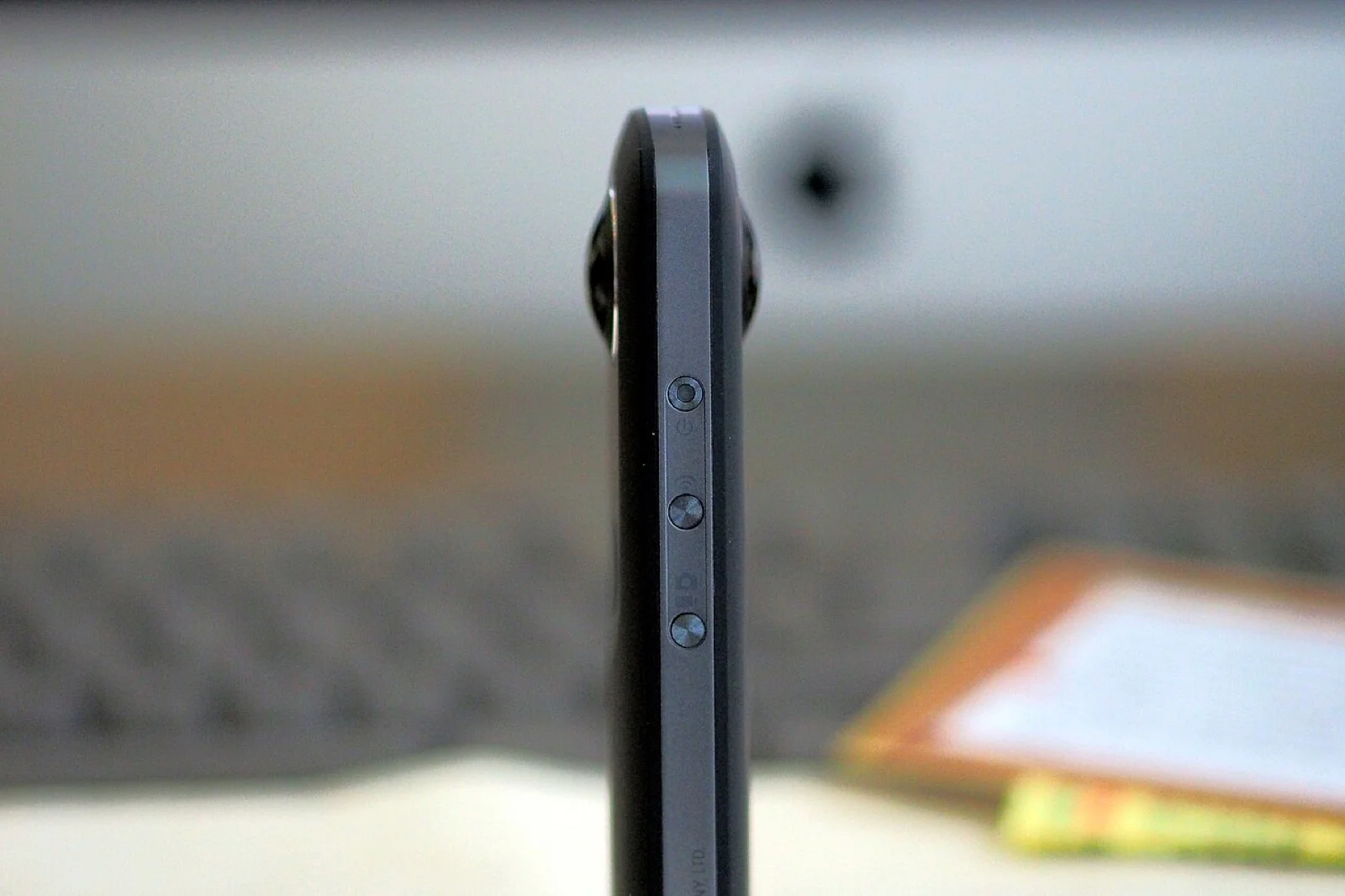
 Photo: ESO / S. Brunier, CC BY 4.0, via Wikimedia Commons.
360° Video Handling: Native Transcoding vs. Secondary Feature
The most critical distinction between Mirame360 and Momento360 lies in how each platform handles 360° video playback.
Momento360 explicitly notes in its official support documentation that 360° video is considered a secondary feature on their platform. For video-heavy workflows, Momento360 recommends using third-party video platforms like YouTube or Vimeo, as Momento360’s video share and embed capabilities are not guaranteed to work consistently across all browsers or file configurations.
Mirame360, by contrast, is built ground-up with a dedicated 360° video pipeline. When an equirectangular video file is uploaded to Mirame360, the platform automatically validates the 2:1 aspect ratio metadata and initiates an automated server-side transcoding job. The system generates multiple resolution renditions to enable adaptive HLS streaming over WebGL. This architecture ensures smooth, buffer-free pan-and-tilt playback whether a client opens an embed on an iPhone or a desktop browser.
For photo panoramas, Mirame360 also includes an automated OpenCV stitching engine. Creators who shoot multiple overlapping camera photos can upload 3 to 10 raw shots and have the server stitch them into a seamless equirectangular panorama directly inside the web dashboard.
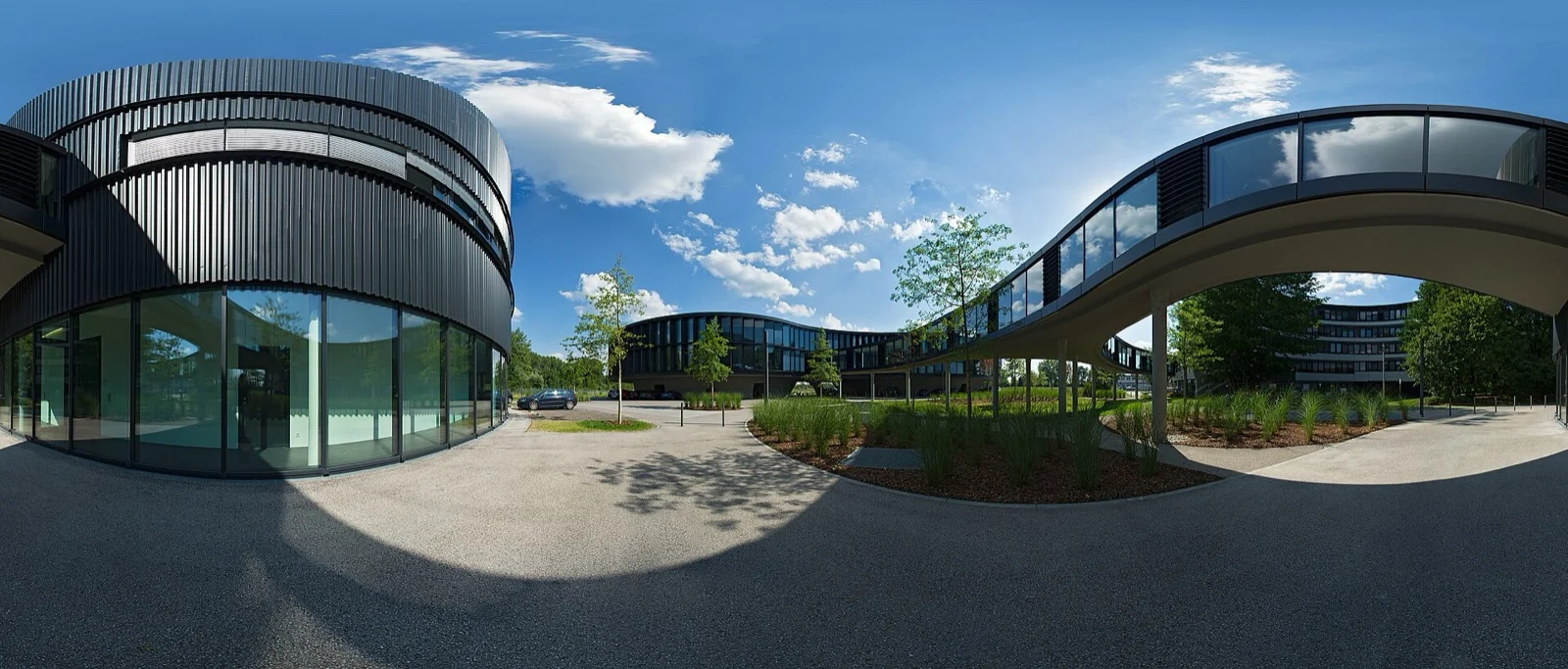
 Photo: Alexandre Duret-Lutz, CC BY-SA 2.0, via Wikimedia Commons.
Embedding Capabilities, Branding, and Privacy Control
When publishing 360° content to external websites, blog posts, or real estate listings, embedding flexibility determines how professional your work appears to clients and visitors.
Momento360 Embedding Constraints
Momento360 provides standard HTML iframe embed codes for WordPress, Wix, Squarespace, and custom sites. However, free-tier embeds come with two major restrictions:
- Watermarking: Free embeds feature a persistent Momento360 logo watermark in the corner of the viewer. Removing this watermark requires upgrading to the Pro plan (/month).
- Account Share Caps: Free accounts are limited to a maximum of 100 active share links or embeds across the entire account. Display resolution for free embeds is capped at 4K.
Mirame360 Embedding Flexibility
Mirame360 offers unbranded, clean iframe embeds out of the box without requiring paid subscriptions. Key embed features include:
- Clean Player: No third-party watermarks cluttering your media.
- Custom Resolutions: Generate iframe code tailored for 1080p, 2K, or 4K playback containers, or specify custom iframe dimensions.
- Embed Aliases: Create clean, human-readable URL slugs for shareable links.
- Granular Privacy: Uploaded media and virtual tours are private by default. Creators explicitly toggle public embed access when ready to publish.
For virtual tour creators, Mirame360 includes a full Tour Editor with interactive hotspot scene connectors, revision history logs, and playback analytics. Readers looking to build multi-scene virtual tours can consult the step-by-step Mirame360 How-To Guide.
 Photo: Biswarup Ganguly, CC BY 3.0, via Wikimedia Commons.
Feature Comparison: Mirame360 vs Momento360
| Feature / Capability | Momento360 (Free Tier) | Mirame360 (Free Tier) |
|---|---|---|
| Storage Allocation | 750 MB total account cap | Up to 10 GB per upload |
| 360° Video Support | Secondary feature (recommends YouTube/Vimeo) | Native multi-bitrate HLS encoding & WebGL player |
| Embed Watermark | Mandatory Momento360 logo watermark | Unbranded, clean player embeds |
| Active Share/Embed Limit | Capped at 100 active links | Unlimited iframe embeds |
| Ingest File Formats | JPEG images, basic MP4 | MP4, MOV, WEBM, MKV, GoPro , DJI , JPG, WebP, TIFF |
| Panorama Auto-Stitching | No | Yes (OpenCV multi-shot web stitching) |
| Virtual Tour Suite | Basic Collections (max 20) | Hotspot scene connectors, revision history & analytics |
Which Platform Fits Your Workflow?
Deciding between Mirame360 and Momento360 comes down to what you capture and where you plan to share it.
Momento360 remains a serviceable option for real estate agents or hobbyists who only need to display a small collection of static 360° photos and do not mind a watermark on embedded viewers. However, the 750 MB storage ceiling and 100-link cap mean regular creators quickly reach the boundaries of the free plan.
Mirame360 is built for creators, videographers, and businesses who need a reliable, professional-grade 360° media platform. With support for multi-gigabyte video uploads, automatic adaptive encoding, unbranded embeds, and an interactive tour workspace, Mirame360 handles modern 360° camera workflows without paywalls on fundamental hosting capabilities.
You can browse real-world panoramic photos and interactive tours created by the community on Mirame360 Explore.
Start Hosting Your 360° Media Today
If you are tired of hit-or-miss 360 video embeds, restrictive storage caps, or watermarked viewers on your blog and website, Mirame360 offers the tools you need to host high-quality immersive media effortlessly.
Ready to share your panoramas and 360° video clips with clean embeds? Register for a free account at Mirame360 Registration and upload your first 360° scene today.